


Microsoft Office Professional 2007
Includes:
Access 2007
Accounting Express 2007
Excel 2007
Outlook 2007 with Business Contact Manager
PowerPoint 2007
Publisher 2007
Word 2007
here the link
http://msft-dnl.digitalrivercontent.net/msoffice/pub/X12-30196/X12-30196.exe
Microsoft Office Enterprise 2007
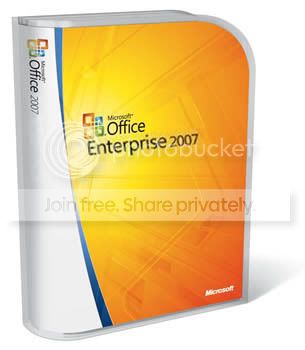
Includes:
Access 2007
Communicator 2007
Excel 2007
Groove 2007
InfoPath 2007
OneNote 2007
Outlook 2007
PowerPoint 2007
Publisher 2007
Word 2007
here is the link
http://download.microsoft.com/download/7/c/4/7c49b09b-d6f9-431d-9738-4c00aff11fc7/Enterprise.exe
Microsoft Office Small Business 2007
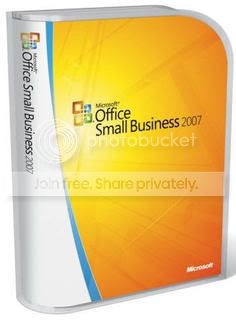
Includes:
Accounting Express 2007
Excel 2007
Outlook 2007 with Business Contact Manager
PowerPoint 2007
Publisher 2007
Word 2007
here is the link
http://msft-dnl.digitalrivercontent.net/msoffice/pub/X12-30283/X12-30283.exe
Microsoft Office Home and Student 2007
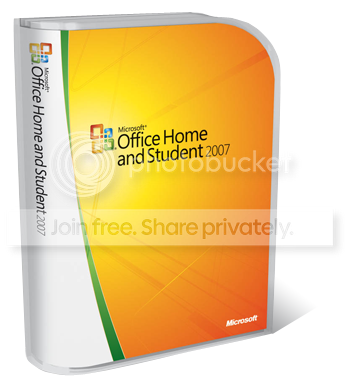
Includes:
Excel 2007
OneNote 2007
PowerPoint 2007
Word 2007
here is the link
http://msft-dnl.digitalrivercontent.net/msoffice/pub/X12-30107/X12-30107.exe
Microsoft Office Standard 2007
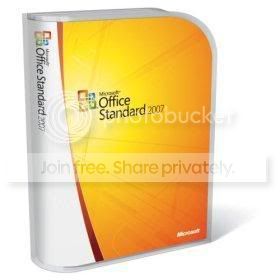
Includes:
Excel 2007
Outlook 2007
PowerPoint 2007
Word 2007
here is the link
http://msft-dnl.digitalrivercontent.net/msoffice/pub/X12-30263/X12-30263.exe
(1 method)
READ THIS CAREFULLY
How To Activate:
1. Once you download it run the installer and DO NOT put in a serial!!!!
2. Click next and then it will ask you if u want to put in a serial and click no..
3. After you install it dont open/run it!
4. Go to My Computer -> Hard Drive you installed it to ->Program files ->common files ->microsft shared ->office12 ->office setup controller ->proof.en
5. Open the .xml file in notepad and find this:
OptionRef Id="AlwaysInstalled"
6. Change "AlwaysInstalled" to "NeverInstalled" and save the file
(2 method)
try this link to get windows and ofice genuine validater
http://www.mediafire.com/?dj0igygrwhx
mama thawama try kale naha soo download and try
and i think its work.
enjoy
Includes:
Access 2007
Accounting Express 2007
Excel 2007
Outlook 2007 with Business Contact Manager
PowerPoint 2007
Publisher 2007
Word 2007
here the link
http://msft-dnl.digitalrivercontent.net/msoffice/pub/X12-30196/X12-30196.exe
Microsoft Office Enterprise 2007
Includes:
Access 2007
Communicator 2007
Excel 2007
Groove 2007
InfoPath 2007
OneNote 2007
Outlook 2007
PowerPoint 2007
Publisher 2007
Word 2007
here is the link
http://download.microsoft.com/download/7/c/4/7c49b09b-d6f9-431d-9738-4c00aff11fc7/Enterprise.exe
Microsoft Office Small Business 2007
Includes:
Accounting Express 2007
Excel 2007
Outlook 2007 with Business Contact Manager
PowerPoint 2007
Publisher 2007
Word 2007
here is the link
http://msft-dnl.digitalrivercontent.net/msoffice/pub/X12-30283/X12-30283.exe
Microsoft Office Home and Student 2007
Includes:
Excel 2007
OneNote 2007
PowerPoint 2007
Word 2007
here is the link
http://msft-dnl.digitalrivercontent.net/msoffice/pub/X12-30107/X12-30107.exe
Microsoft Office Standard 2007
Includes:
Excel 2007
Outlook 2007
PowerPoint 2007
Word 2007
here is the link
http://msft-dnl.digitalrivercontent.net/msoffice/pub/X12-30263/X12-30263.exe
(1 method)
READ THIS CAREFULLY
How To Activate:
1. Once you download it run the installer and DO NOT put in a serial!!!!
2. Click next and then it will ask you if u want to put in a serial and click no..
3. After you install it dont open/run it!
4. Go to My Computer -> Hard Drive you installed it to ->Program files ->common files ->microsft shared ->office12 ->office setup controller ->proof.en
5. Open the .xml file in notepad and find this:
OptionRef Id="AlwaysInstalled"
6. Change "AlwaysInstalled" to "NeverInstalled" and save the file
(2 method)
try this link to get windows and ofice genuine validater
http://www.mediafire.com/?dj0igygrwhx
mama thawama try kale naha soo download and try
and i think its work.
enjoy


