


Apple Music මාස 5ක් නොමිලේ
1. Download the Shazam app on your iPhone or iPad.
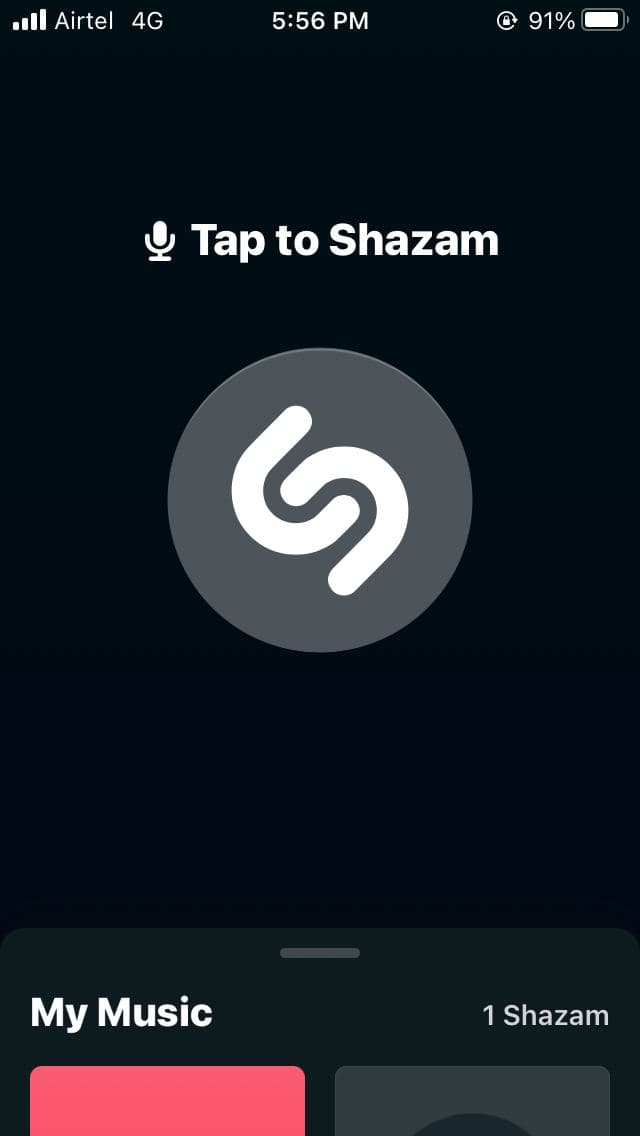
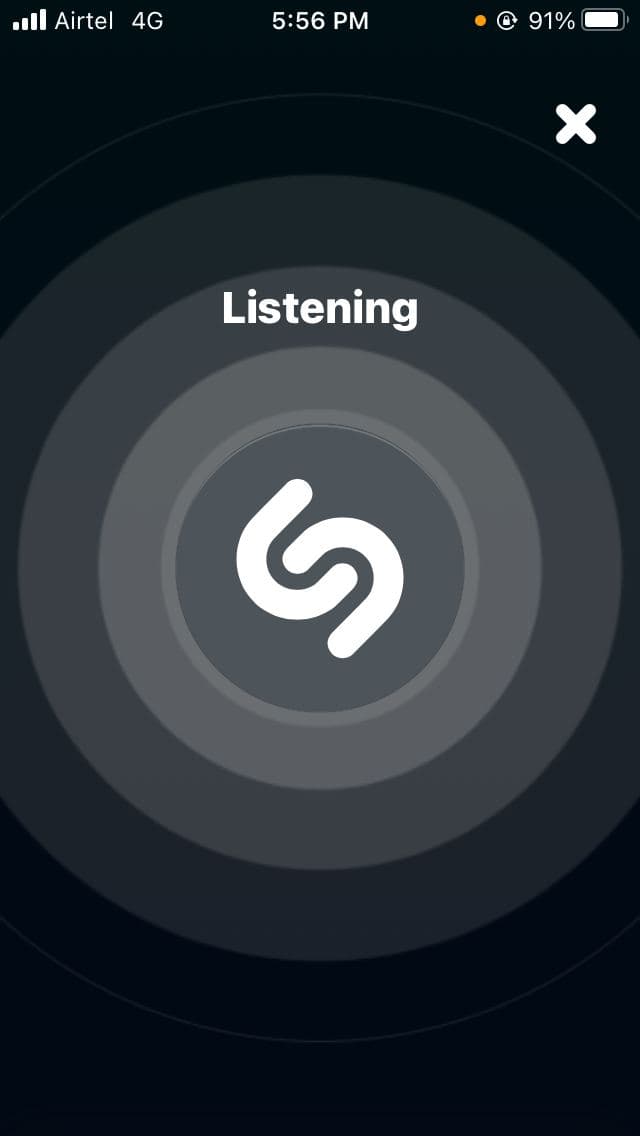

2. Open the app and tap to Shazam.
3. Play a song on any other device and let Shazam identify it.
4. Once the song is recognized, click on Play Full Song.
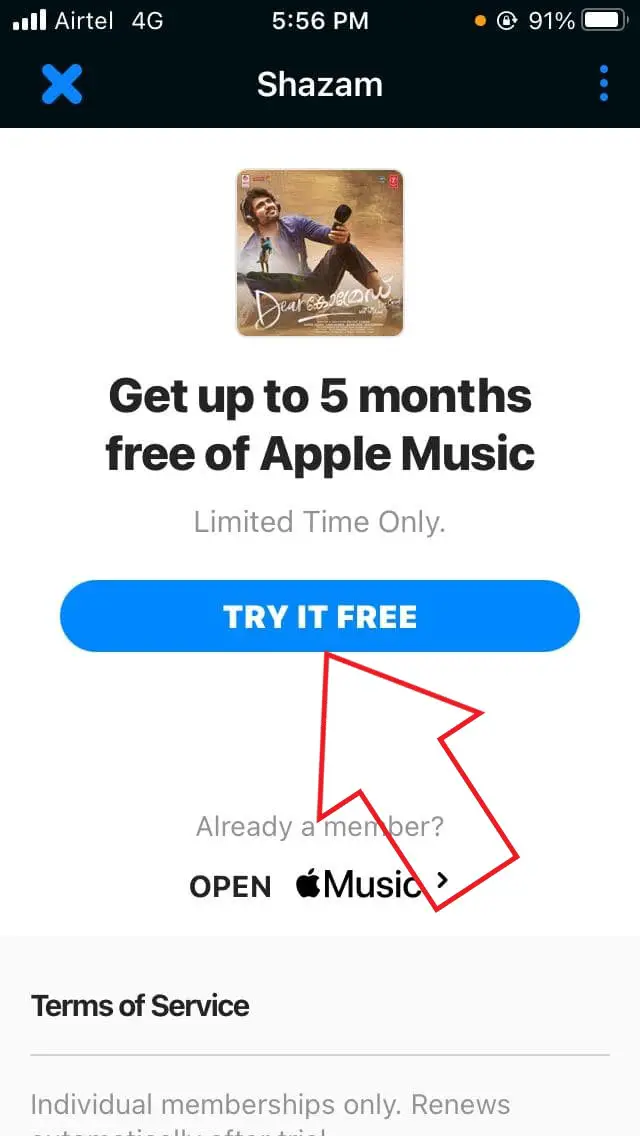
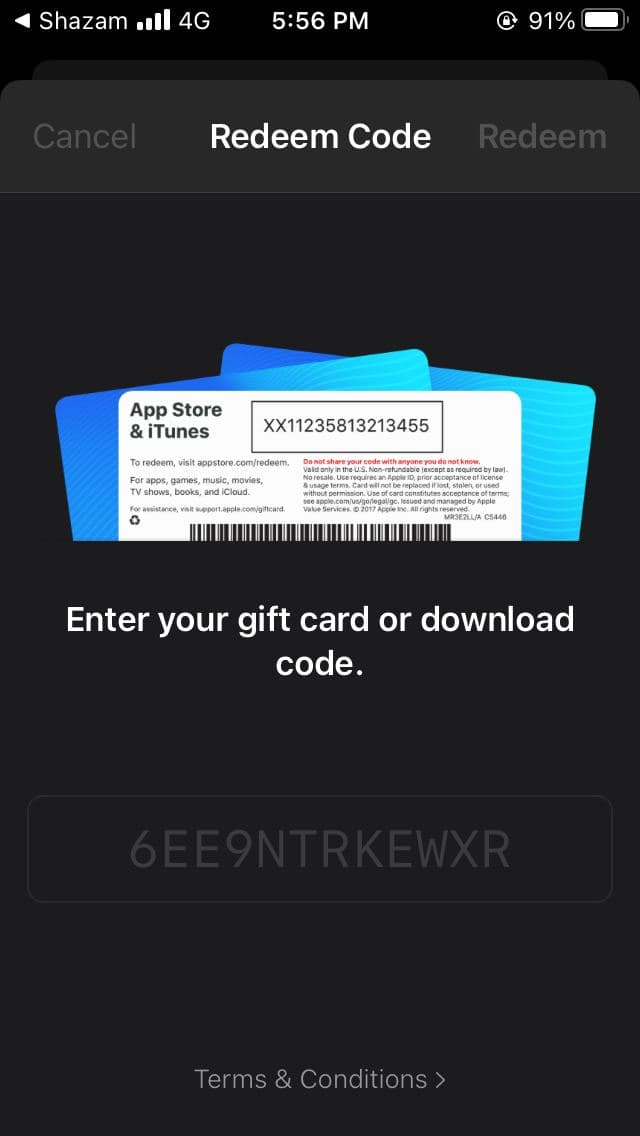
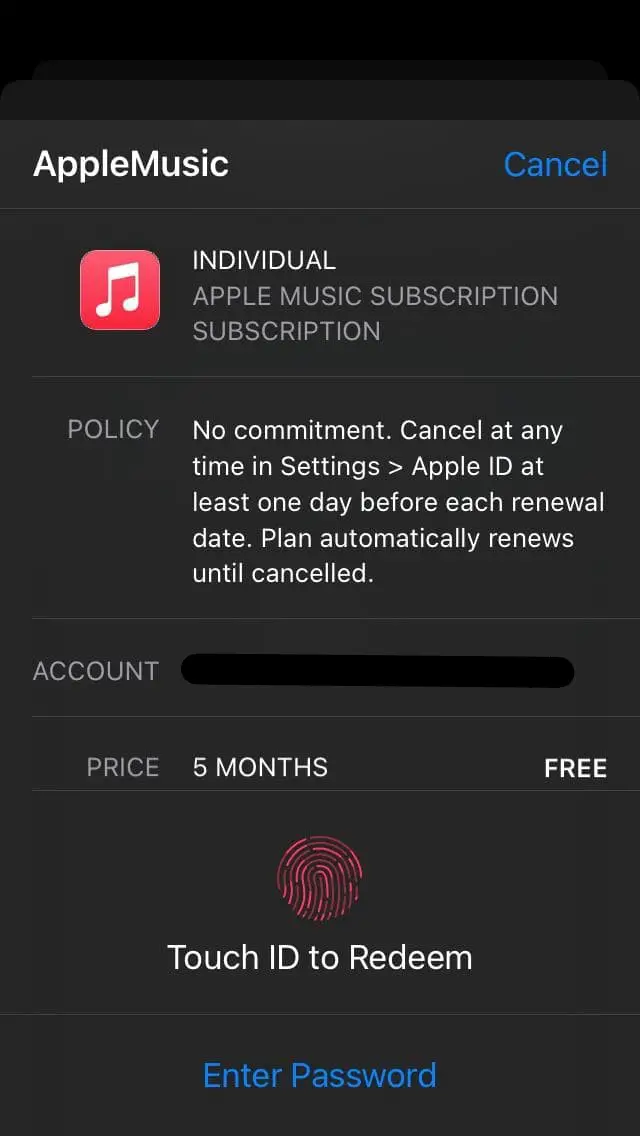
5. On the next page, you’ll see the offer “Get up to 5 months free of Apple Music.”
6. Click the blue Try it Free button below it. Don’t see the offer? Check if you see any banner in Shazam settings.
7. Now, authorize the trial using your passcode, Touch ID, or Face ID.
-------------------------------
iPhone or iPad, tap View Apple ID and then tap Subscriptions, or click Manage next to Subscriptions in the iTunes Account window.
/article-new/2019/02/turn-off-auto-renew-subscription-apple-music-2.jpg?lossy)
1. Download the Shazam app on your iPhone or iPad.



2. Open the app and tap to Shazam.
3. Play a song on any other device and let Shazam identify it.
4. Once the song is recognized, click on Play Full Song.



5. On the next page, you’ll see the offer “Get up to 5 months free of Apple Music.”
6. Click the blue Try it Free button below it. Don’t see the offer? Check if you see any banner in Shazam settings.
7. Now, authorize the trial using your passcode, Touch ID, or Face ID.
-------------------------------
iPhone or iPad, tap View Apple ID and then tap Subscriptions, or click Manage next to Subscriptions in the iTunes Account window.
/article-new/2019/02/turn-off-auto-renew-subscription-apple-music-2.jpg?lossy)
.................................Enjoy..............................


