


How to Install
Before you begin you will need to download the following:
1- BBSAK (latest Version) 1.70
2- appworld 1.1.0.37.zip (make sure you remember where you downloaded on your PC)
Instructions:
1) Install the latest version of BBSAK and unpack the Appworld COD files(2 files) from the ZIP file
2) Connect the blackberry device through USB and make sure the BB Desktop Manager is closed throughout the process
3) Execute the BBSAK application and input your BB password if present otherwise skip by pressing OK
4) Once the window is open, your BB Pin should be visible otherwise it is not connected.
5) Then go to the Modify CODs tab and click on Read System
6) Next click on Install COD(S) and locate and install both the files and click OPEN
7) Sit back and wait for it to install, you will see a loading screen on the blackberry screen for a few seconds and then a dialog box on your PC will confirm the installation.
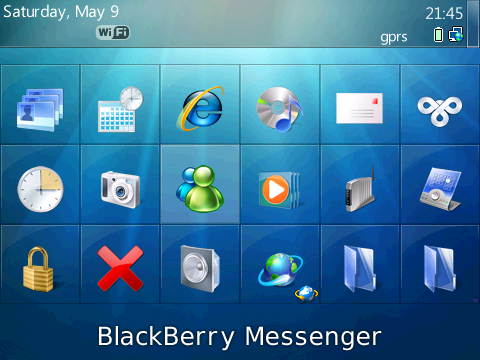
8) Then simply unplug your device and you will see the AppWorld icon on the main screen menu.
App World - http://www.megaupload.com/?d=AOMKSNGR
BBSAK - http://www.megaupload.com/?d=TPR8OLH0

machan are you sure that this will work ? cuz i have already installed appworld on my curve and it doesnt work for our country it seems.
Also i havent activated the BB service but since i have my service books, blackberry browser works through GPRS/EDGE.




 awaiting further instructions..


