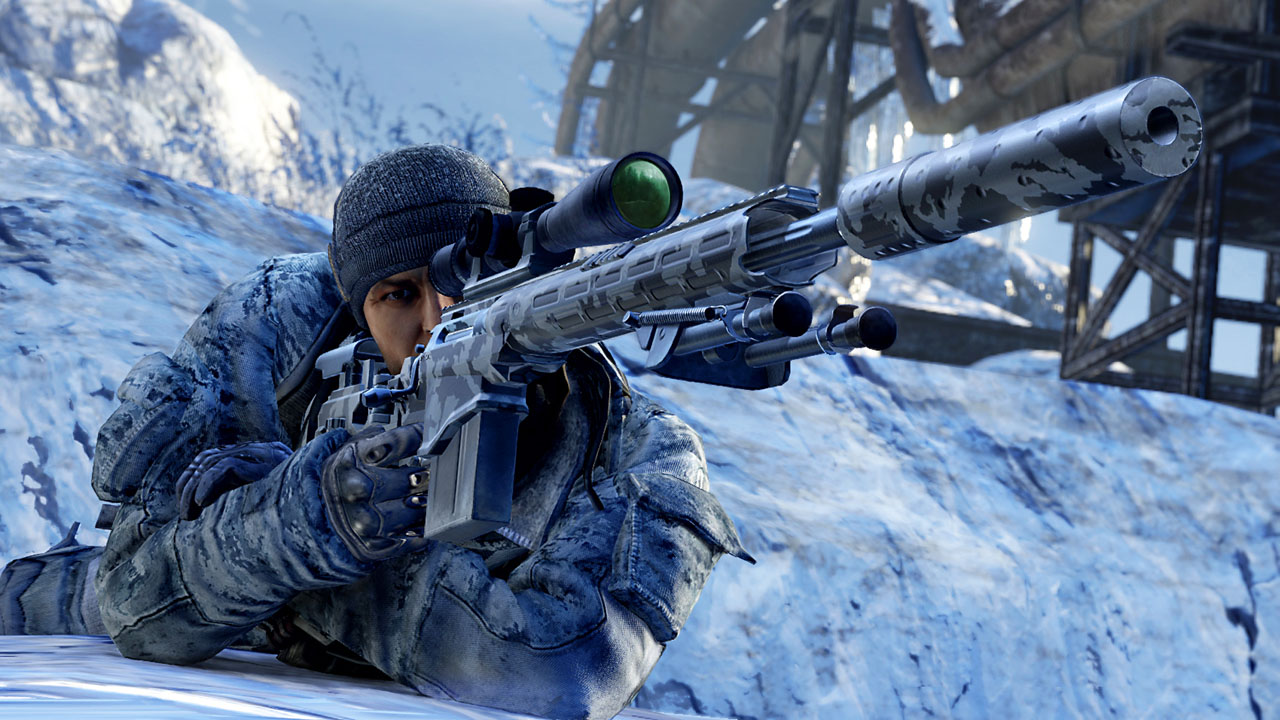
සුපිරි ගේමක්.. Sniper 2: Ghost Warrior

~Hansel~

Member
Mar 17, 2013
3,735
355
0
Berlin නෙමේ
සුපිරි ගේමක්.. Sniper 2: Ghost Warrior


3f39c1721516177fc5c128a4c1a2e349.png


089e7ebad4ef8d3ed8e7a13e13ea06fb.png


මෙන්න සුපිරි ගේමක්.
මේ මාසේ 6GB ඉතුරු උනා, ඒකේන් DOwnload කරේ. :P
පට්ට මචන් මේකේ graphics.


System requirements:
Operating system : Windows 8 / Windows 7 SP1 / Windows Vista SP2 / Widows XP SP3
Processor : Intel Core 2 Duo at 2Ghz, or AMD Athlon 64 x2 2Ghz, or better
RAM : 2 GB
Video Card : NVIDIA GeForce Radeon HD 5850 GTX560/ATI (512 minimum)
Sound Card : Sound Card compatible with DirectX 9.0
Free space on hard disk : 8 GB

Sniper-Ghost-Warrior-1-485x728.jpg


SNIPER-GHOST-WARRIOR-2-Siberian-Strike-4.jpg


Torrent (5.49 GB)
 
  • Like
Reactions: Mr:Virus

~Hansel~

Member
Mar 17, 2013
3,735
355
0
Berlin නෙමේ
Solution for Language Problem
You dont't have to reinstall game if you have language problem
Do those basic steps
1) Go to your installation folder like C:Program Files (x86) or Program Files
.G. MechanicsSniper Ghost Warrior 2
2) Open "system.cfg" with noteped
3) Change those
g_language=russian
g_languageAudio=russian
to
g_language=english
g_languageAudio=english

සරලව කියනව නම් ගේම් ෆෝල්ඩර් එකට ගිහින් ඒකේ තියන system.cfg කියන ෆයිල් එක ඕපන් කරගන්න notepad එකෙන්. ඊටපස්සේ ඒකේ කියල තියන
g_language=russian
g_languageAudio=russian

මේ තැන් දෙකේ russian වචනේ වෙනුවට english දාන්න
 

Mr:Virus

Well-known member
  • May 24, 2011
    5,897
    1,237
    113
    Colombo
    සරලව කියනව නම් ගේම් ෆෝල්ඩර් එකට ගිහින් ඒකේ තියන system.cfg කියන ෆයිල් එක ඕපන් කරගන්න notepad එකෙන්. ඊටපස්සේ ඒකේ කියල තියන
    g_language=russian
    g_languageAudio=russian

    මේ තැන් දෙකේ russian වචනේ වෙනුවට english දාන්න

    මචන් මේක කරන් ඕනෙ ගේම් එක ඉන්ස්ටෝල කරන්න කලින්ද? කරල ඉවර උනාමද?