


Vista SP1 backs up all the files that are replaced when installing SP1, so that you can go back (i.e. uninstalled SP1) if you don't like it or if something doesn't work anymore.
Type vsp1cln.exe in the run dialog box, and you will be presented with this screen.
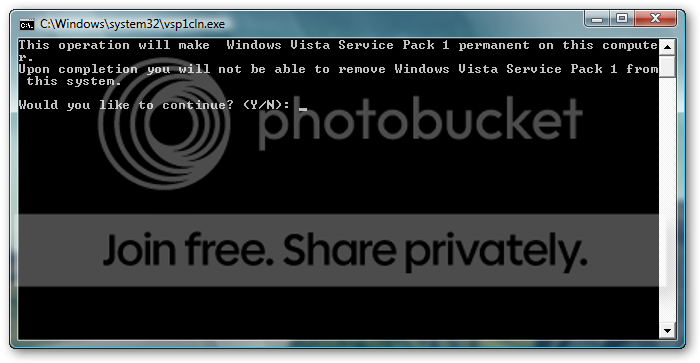
Press Y and it will remove those backed up files and make SP1 update permanent for your Vista installation.
Why would you want to do this? Because it will free up a lot of space in C: But do this only if you are sure that you don't wanna go back.
P.S.
Sorry for posting in the wrong section. I should have posted in the Tips and Tricks section
Type vsp1cln.exe in the run dialog box, and you will be presented with this screen.
Press Y and it will remove those backed up files and make SP1 update permanent for your Vista installation.
Why would you want to do this? Because it will free up a lot of space in C: But do this only if you are sure that you don't wanna go back.
P.S.
Sorry for posting in the wrong section. I should have posted in the Tips and Tricks section


