


To copy a commercial DVD video disc, such as The Dark Knight or Wall-E, to the computer hard drive with DVDSmith, you only need three mouth clicks! And, DVDSmith Movie Backup is completely FREE!
1. Choose backup mode
2. Set Output file location
3. Start backup

With DVDSmith Movie Backup, you can remove all the protections (CSS, RC, RCE, APS, UOPs and Sony ARccOS) from DVD movies while copying the DVD movie to PC hard drive as a DVD structure folder, then you can convert the DVD folders to various of formats that are compatible with popular portable devices like iPod, PSP and Zune, Mobile phones, Archos, Creative Zen, Sandisk Sansa, etc. using Any DVD Converter.
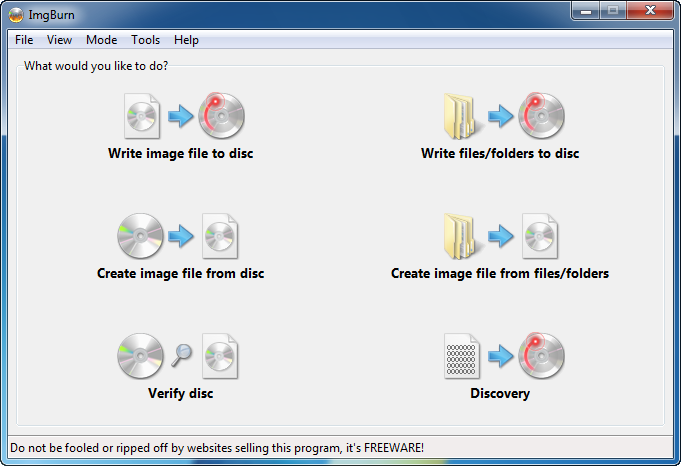
After the backup folder is created, if you want to burn it to a DVD, you can use some burning software, such as Nero and Roxio, to burn the backup folder. You can also download a free burning tool called ImgBurn.
To learn how to burn a backup DVD folder to a DVD, please check this forum.
1. Choose backup mode
2. Set Output file location
3. Start backup

With DVDSmith Movie Backup, you can remove all the protections (CSS, RC, RCE, APS, UOPs and Sony ARccOS) from DVD movies while copying the DVD movie to PC hard drive as a DVD structure folder, then you can convert the DVD folders to various of formats that are compatible with popular portable devices like iPod, PSP and Zune, Mobile phones, Archos, Creative Zen, Sandisk Sansa, etc. using Any DVD Converter.
After the backup folder is created, if you want to burn it to a DVD, you can use some burning software, such as Nero and Roxio, to burn the backup folder. You can also download a free burning tool called ImgBurn.
To learn how to burn a backup DVD folder to a DVD, please check this forum.


