


Start with a new document with a black background (size 600 x 600 pixels)
Then press D on your keyboard to reset your colors,
And then X to swap them.
Select your brush tool
Use the following settings:

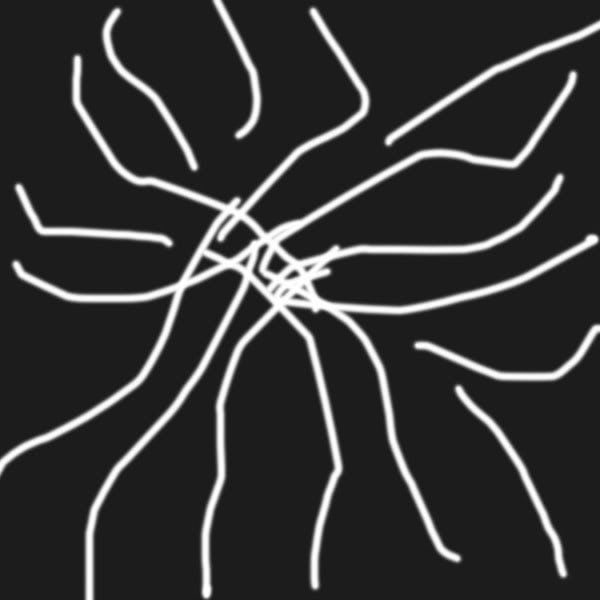
And start creating some random lines like in the following image:
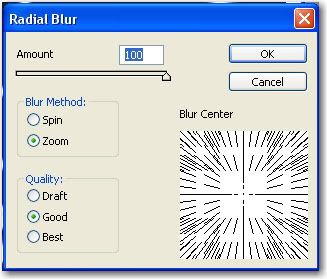
Go to Filter > blur > Radial blur and use the following settings:
After that go to Filter > stylize > Find edges
One more time go to Filter > Blur > Radial Blur und use the same settings as above
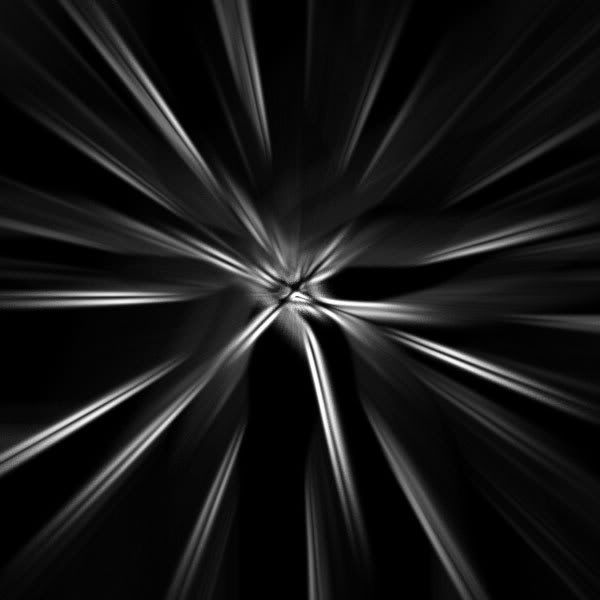
Next press on CTRL+I ( this will invert your colors )
Result:
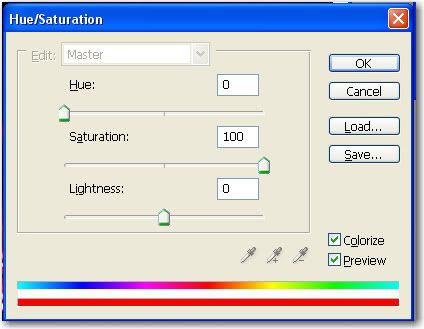
After that press on CTRL+U ( This will open Hue / Saturation window )
Use the following settings: (When you make your own, you can choose other colors than red if you wish)
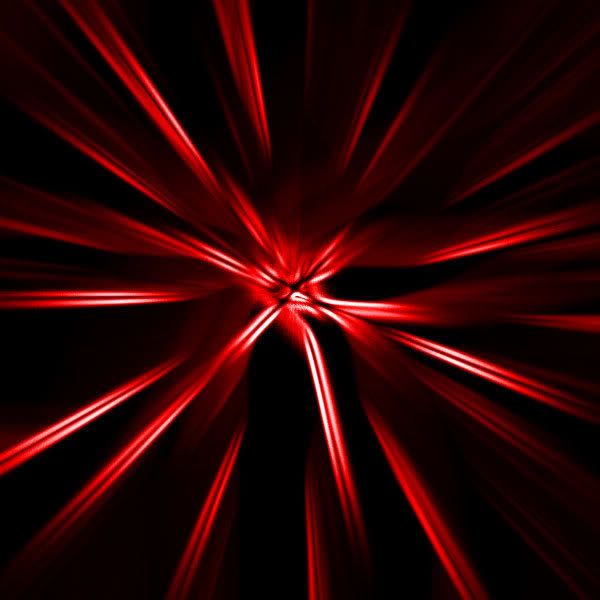
Final Result:
Then press D on your keyboard to reset your colors,
And then X to swap them.
Select your brush tool
Use the following settings:
And start creating some random lines like in the following image:
Go to Filter > blur > Radial blur and use the following settings:
After that go to Filter > stylize > Find edges
One more time go to Filter > Blur > Radial Blur und use the same settings as above
Next press on CTRL+I ( this will invert your colors )
Result:
After that press on CTRL+U ( This will open Hue / Saturation window )
Use the following settings: (When you make your own, you can choose other colors than red if you wish)
Final Result:


