assuming you own a Google Pixel or Pixel XL. A 261MB update started rolling out moments ago to our friends up north that bumps the Pixel to build number NPF26J and includes two amazing new “Moves” that we have all been waiting for.
What are those Moves? “Double-tap to check phone” and “Lift to check phone.” YES. GOOGLE HAS BROUGHT US PRESENTS EARLY.
Once updated, to enable these new features, you’ll need to jump through to Settings>Moves and you should see both in the list with “Swipe for notifications,” “Jump to Camera,” and “Flip Camera.” Tap their little toggles and you’ll be on your way to Pixel notification checking glory.
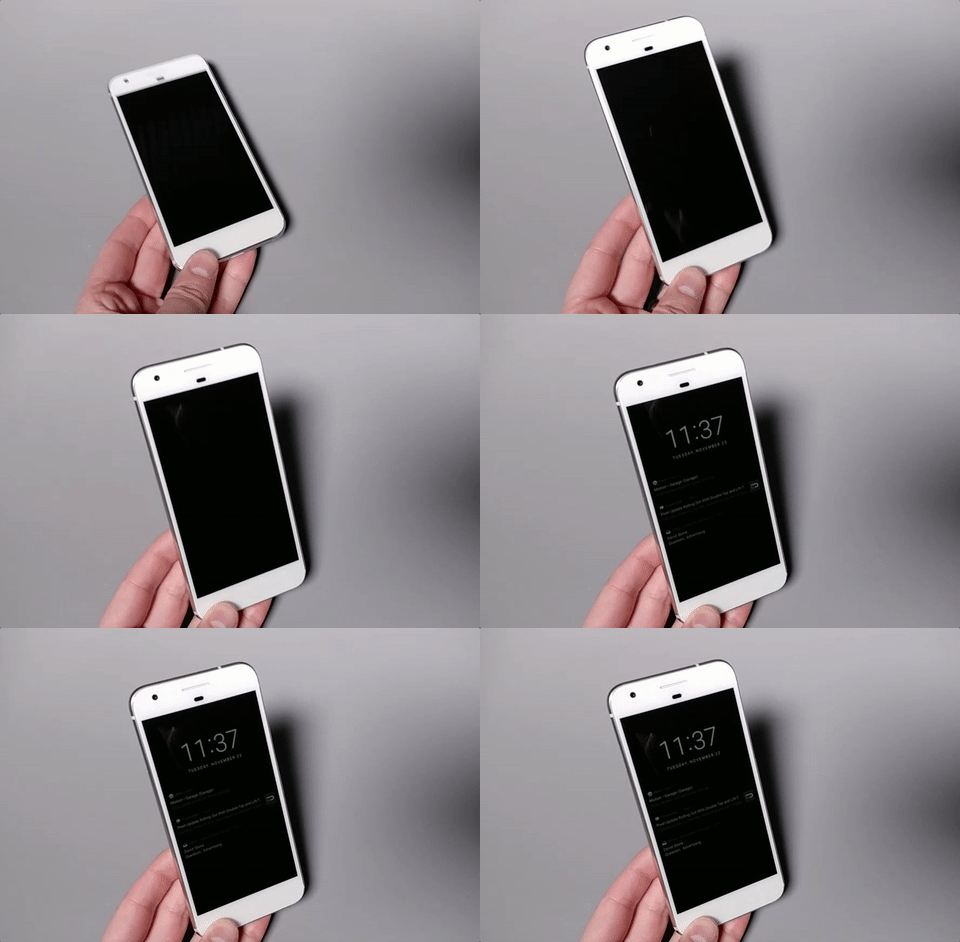
These new features, in case you couldn’t figure it out by their names, allow you to either double-tap on your phone to check for notifications or lift off a surface to wake the screen.
What are those Moves? “Double-tap to check phone” and “Lift to check phone.” YES. GOOGLE HAS BROUGHT US PRESENTS EARLY.
Once updated, to enable these new features, you’ll need to jump through to Settings>Moves and you should see both in the list with “Swipe for notifications,” “Jump to Camera,” and “Flip Camera.” Tap their little toggles and you’ll be on your way to Pixel notification checking glory.
These new features, in case you couldn’t figure it out by their names, allow you to either double-tap on your phone to check for notifications or lift off a surface to wake the screen.