


මේක මම කලින් දැනන් හිටපු නැති දෙයක්. අද තමා දැන ගත්තෙ.
Windows 11 එකේ දැන් Android Apps run කරන්න පුලුවන්. Microsoft Store එකට ගිහිල්ල Amazon Appstore එක install කරගන්න විතරයි තියෙන්නෙ. Windows 11 එකේ Windows Subsystem for Android එක Amazon Appstore එකත් එක්කම install උනා. ඊට පස්සෙ Restart කරා එච්චරයි. Google Play එකේ තරන්ම නෑ. ඒත් ඉස්සරහට නෑගලයයි වගේ. මම අද දාල පොඩ්ඩක් test කරල බැලුව. අපේ Amazon account එකෙන් තමා sign in වෙන්න තියෙන්නෙ.
"Windows Central - How to get started with Android apps on Windows 11" එකේ පියවරෙන් පියවර කරන හැටි දාල තියෙනව.
System requirements
These are the requirements to install Android apps on Windows 11:
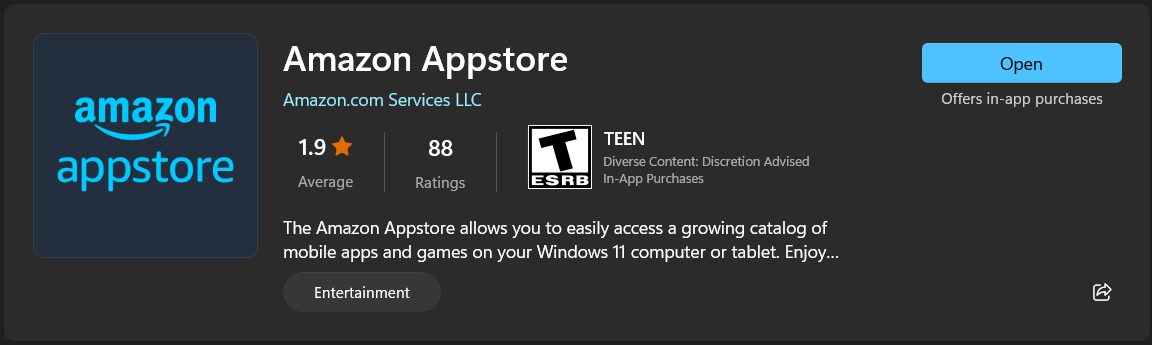
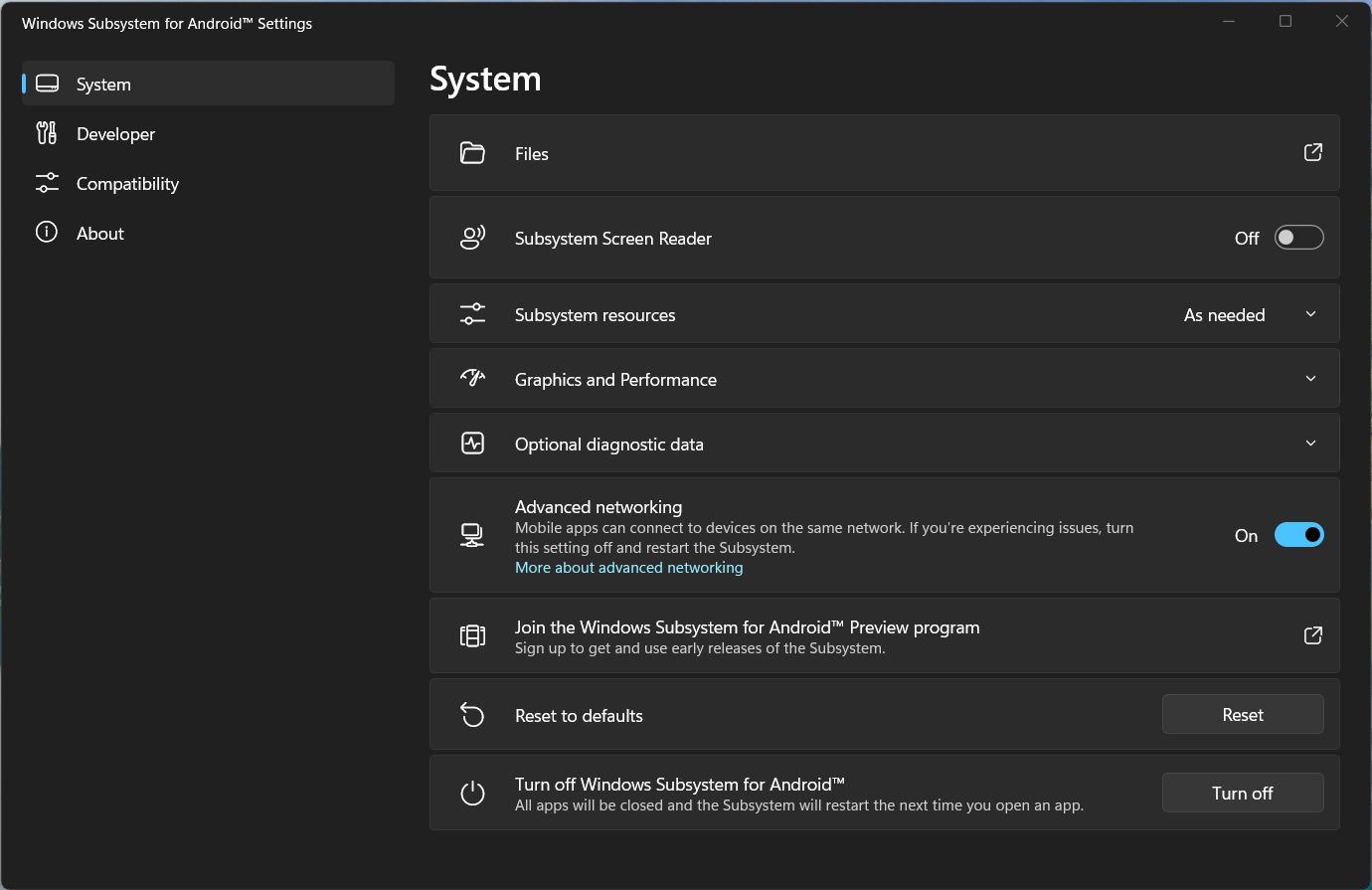
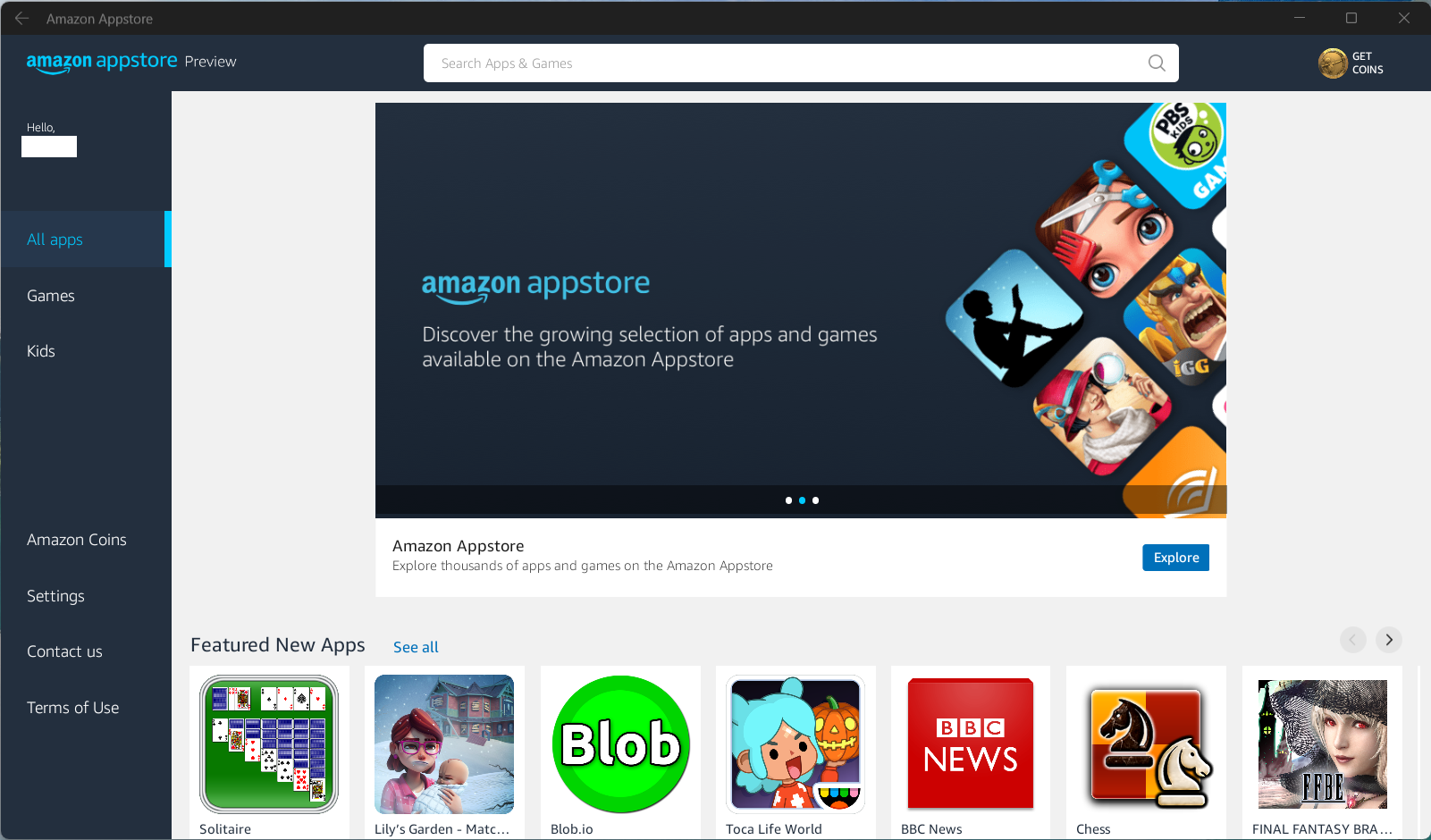
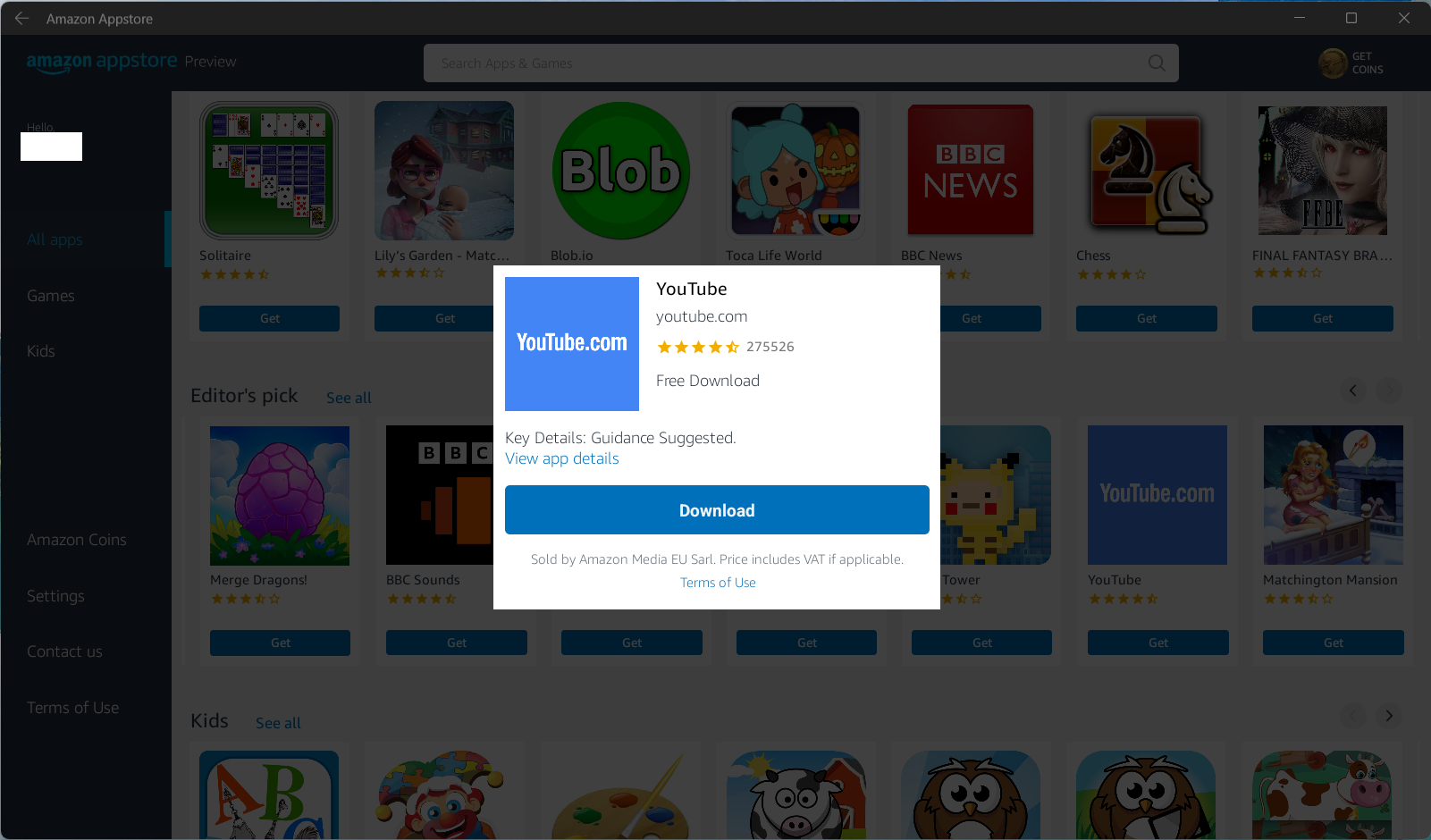
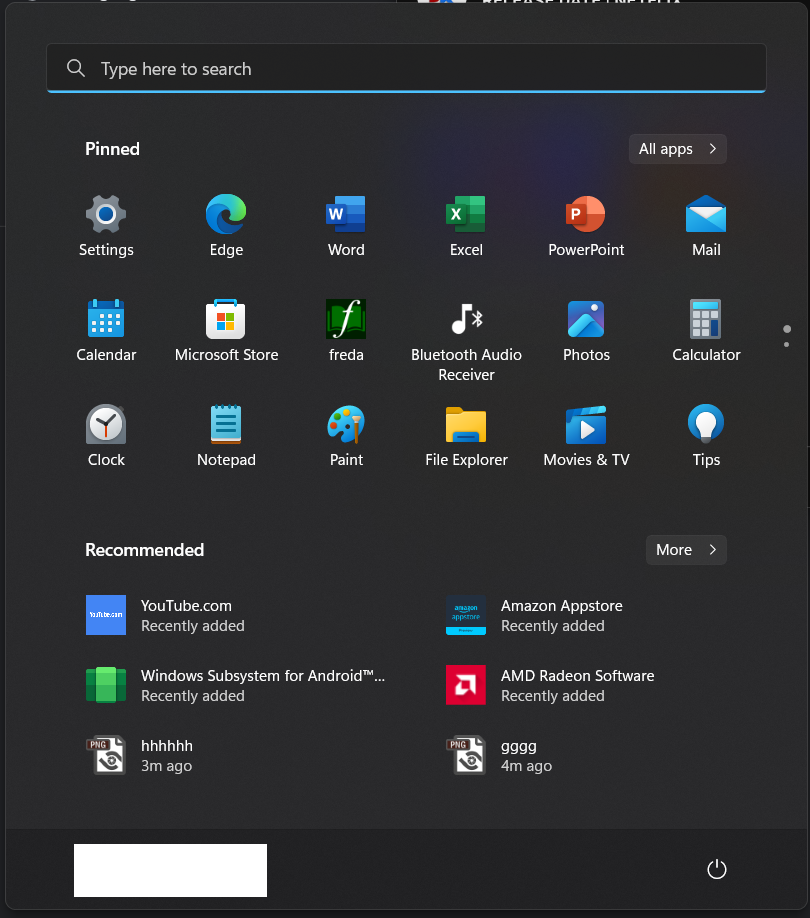
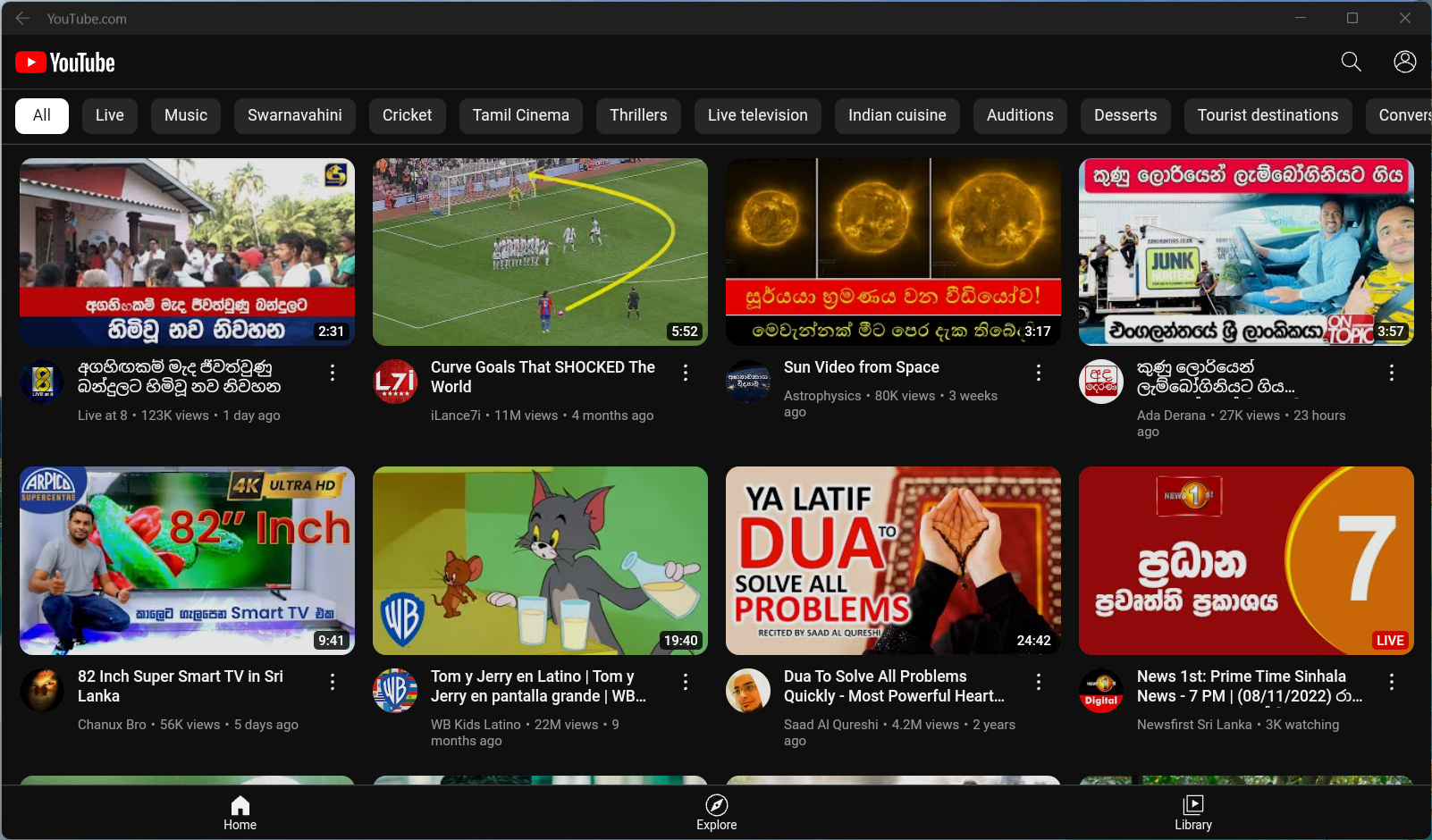
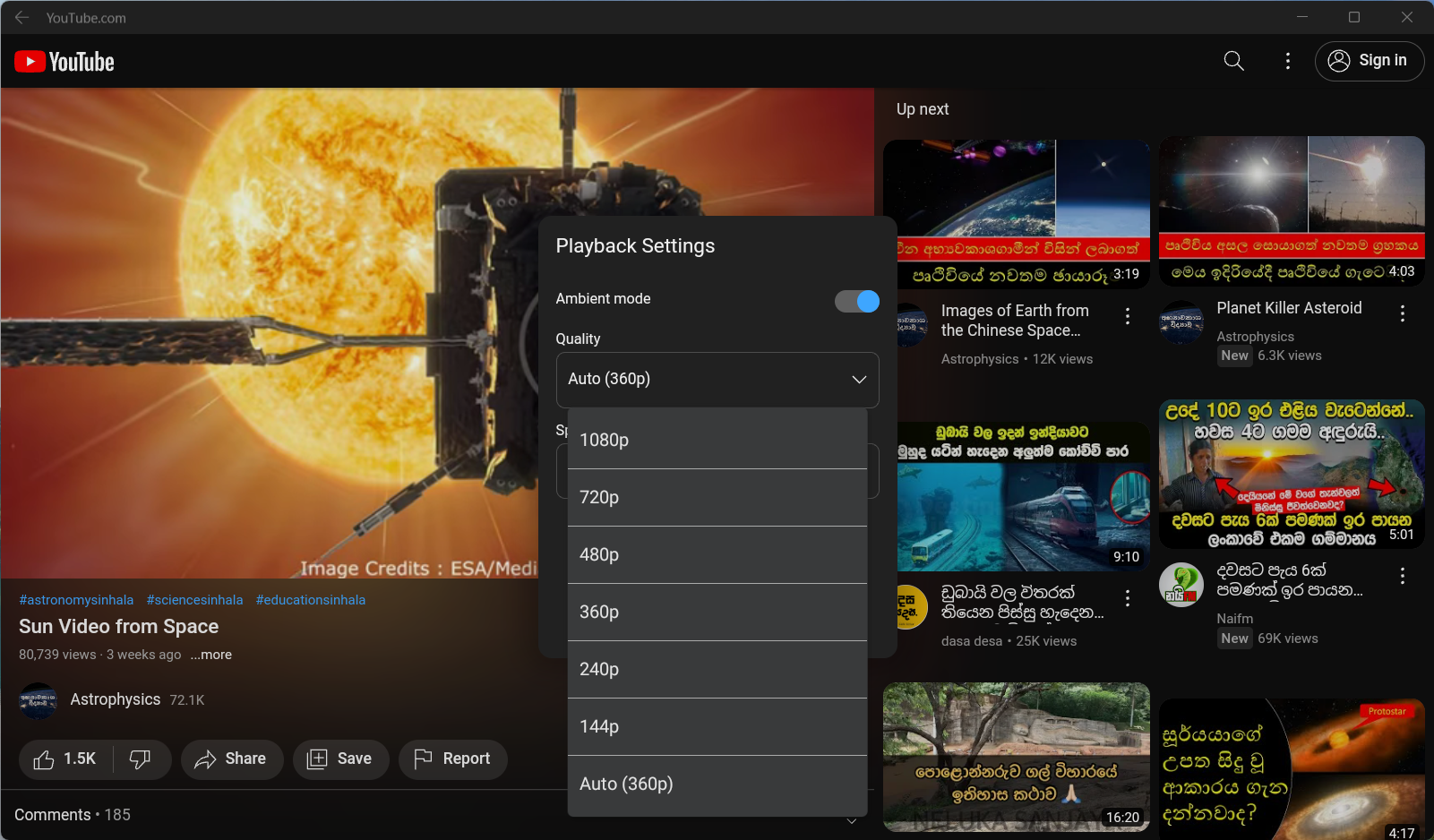
Windows 11 එකේ දැන් Android Apps run කරන්න පුලුවන්. Microsoft Store එකට ගිහිල්ල Amazon Appstore එක install කරගන්න විතරයි තියෙන්නෙ. Windows 11 එකේ Windows Subsystem for Android
එක Amazon Appstore එකත් එක්කම install උනා. ඊට පස්සෙ Restart කරා එච්චරයි. Google Play එකේ තරන්ම නෑ. ඒත් ඉස්සරහට නෑගලයයි වගේ. මම අද දාල පොඩ්ඩක් test කරල බැලුව. අපේ Amazon account එකෙන් තමා sign in වෙන්න තියෙන්නෙ."Windows Central - How to get started with Android apps on Windows 11" එකේ පියවරෙන් පියවර කරන හැටි දාල තියෙනව.
System requirements
These are the requirements to install Android apps on Windows 11:
- Memory: 8GB (16GB recommended).
- Processor: Intel Core i3 8th Gen, AMD Ryzen 3000, Qualcomm Snapdragon 8c, or better.
- Storage: Solid-state drive (SSD).
- Microsoft Store app: Version 22110.1402.6.0 or higher.
- Windows 11: Build 22000.526 or higher.


