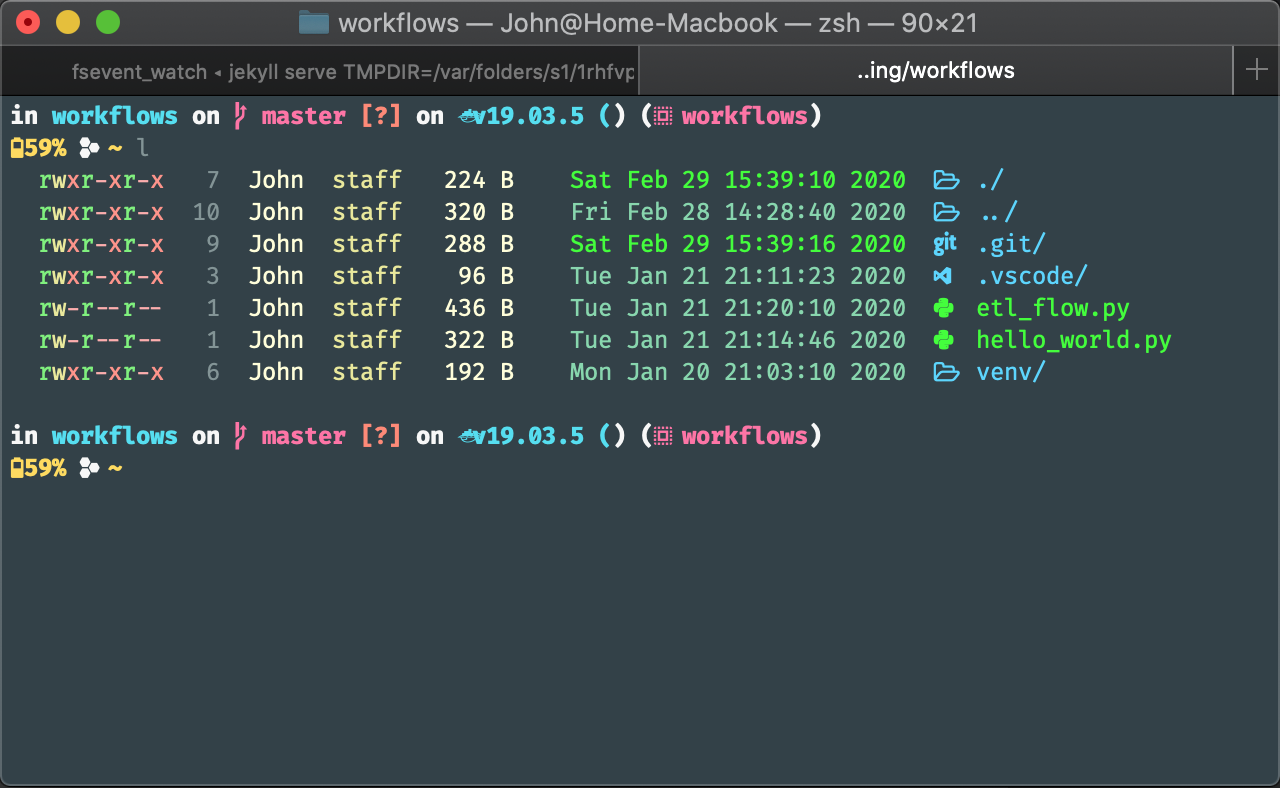
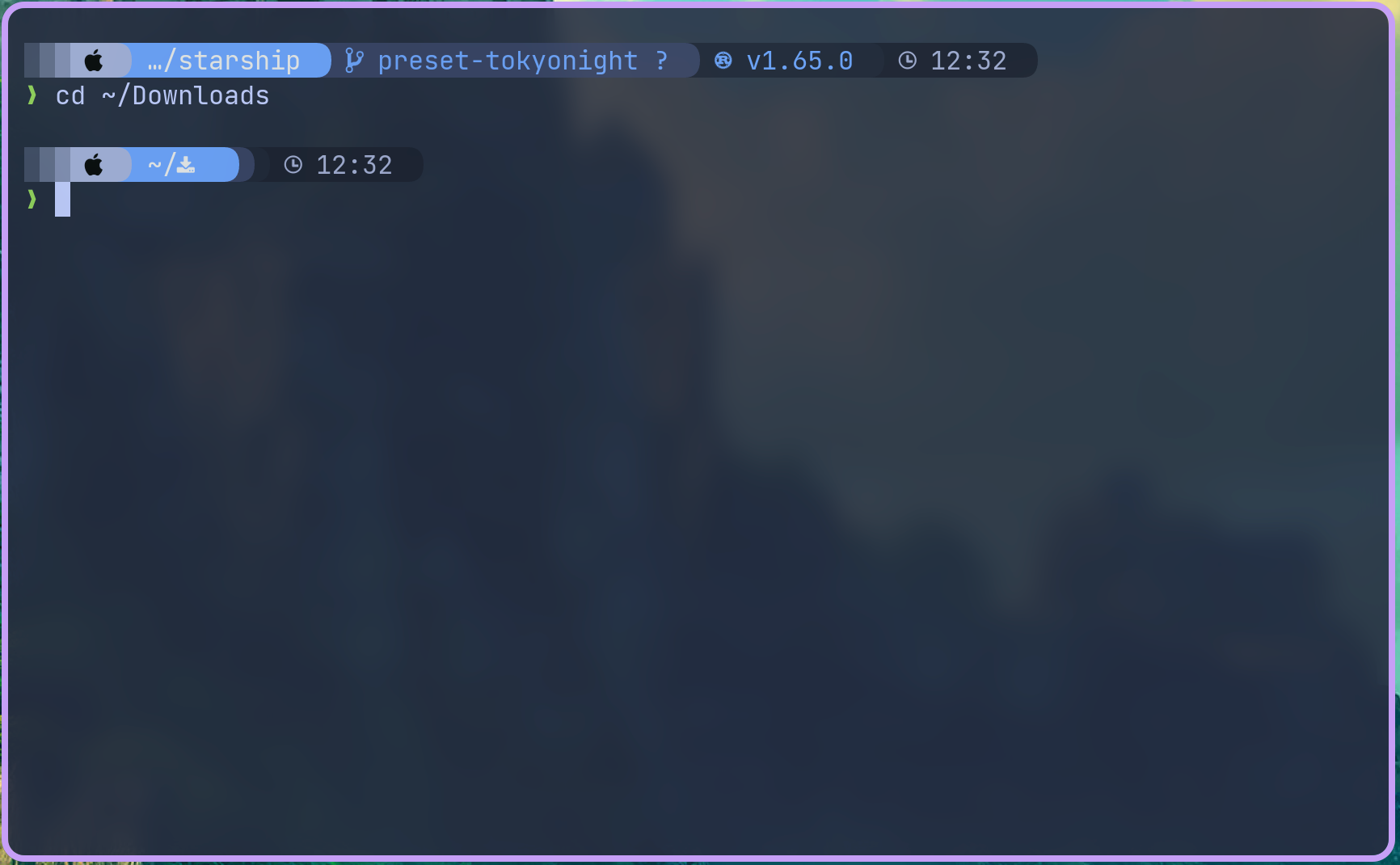
සිංහලයන්ගෙ කලු කැත terminal , cmd ලස්සන කරග
 න්න . පට්ට cross patform shell එකක් අරන් ආව
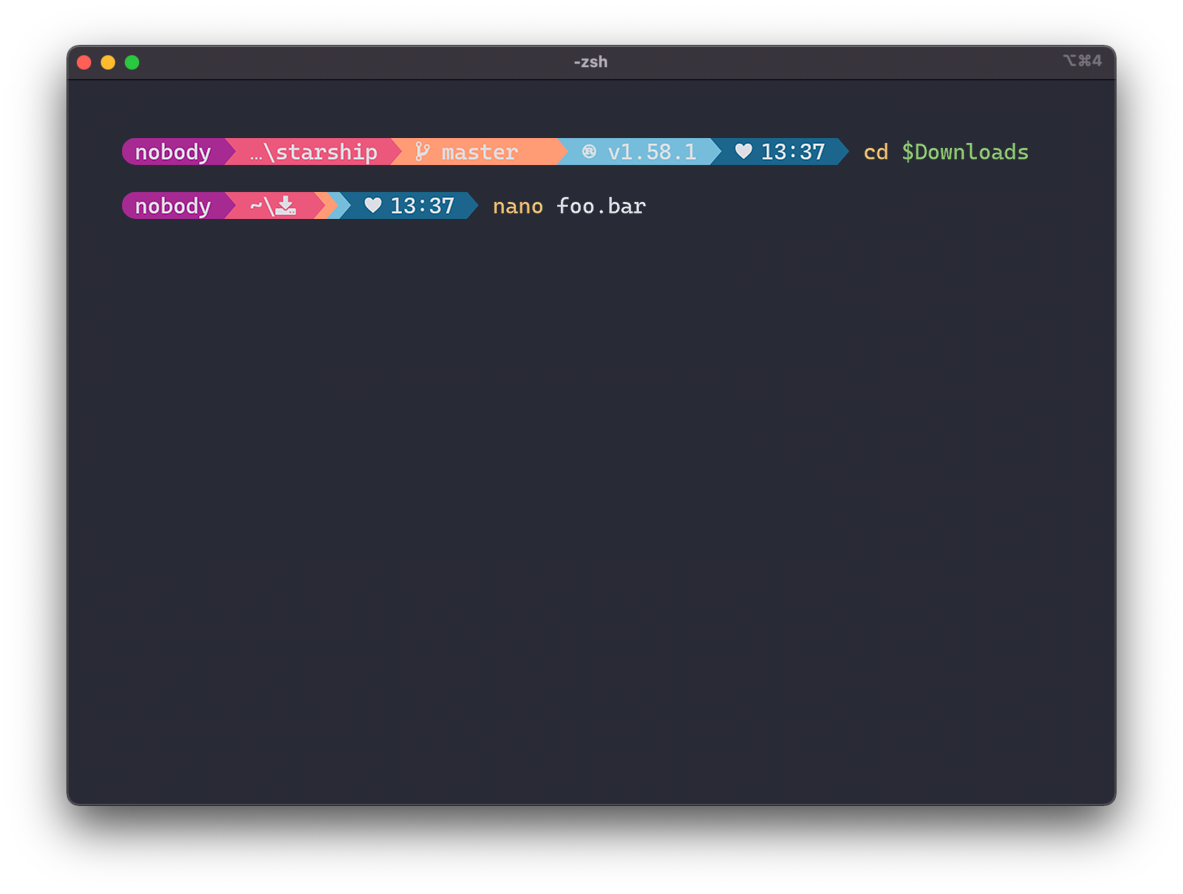
 මුලින්ම බලමු මේකෙ තියන වැඩ කෑලි ටිකක්.
- Fast: it's fast – really really fast!

- setup කරන්න අනිත් ඒව වගේ වාත වෙන්න ඕනි නෑ
- බැටරි , Ram status වගේ ඒවත් පෙන්නනව.
- Customizable: configure every aspect of your prompt.
- Universal: works on any shell, on any operating system.
- අපි use කරන enviroment , එක අනුව වෙනස් වෙනව
- git , python...... ඕනි මගුලකට සුපිරියට support කරනව
Installation - කොහොමද දාගන්නෙ
Guide(click)-
 මුලින්ම මේකෙ icons එහෙම පෙන්නන ඕනි නිසා NERD FONT දාගන්න ඕනි මැෂිමට . Terminal , cmd ,එකෙත් font එක මාරු කරන්න උබල දාගත්ත nerd font එකට . ඕනි nerd font එකක් වැඩ මම use කරන්නෙ " HACK NERD FONT " එක -> Nerd Fonts
Install Starship - Install මේකට ගිහින් උබලගෙ os එකට set වෙන එක inatall කරගන්න -windows 11 use කරන කුකුලො පහල command එක cmd , powershell ඕනි එහෙක ගහල install කරගන්න පුලුවන් .
Code:
winget install --id Starship.Starship
win 10 or අනිත් ඒවනම් winget install ( How to instal winget ) කරගෙන් හෝ අනිත් package managers: එකකින් install කරගන්න . ලිනක්ස් කුකුලොන්ටනම් ඕව easy වැඩ
ඉතුරු ටික මේ වීඩියෝ එකේ විදියට කරානම් හරිcmd එකටත් setup කරගන්න . උන්ගෙ site එකේ ඔක්කොම ටික තියනව
ලිනක්ස් කුකුලො ඕව දන්නවනෙ.
Configuration - අපිට ඕනි විදියට හදමු.
Config(CLICK)-මේ පාත් එකේ මෙන්න මේ file එක හදාගන්න . windows කුකුලොත් C:\Users\උබේනම (user name ) එකේ .config folder එකක් හදල ඒකෙ starship.toml ඒකෙ ඔහොම file එකක් හදන්න
Code:
mkdir -p ~/.config && touch ~/.config/starship.tomlSimple Configaration
Code:
# ~/.config/starship.toml

[battery]
full_symbol = "🔋"
charging_symbol = "🔌"
discharging_symbol = "⚡"

[[battery.display]]
threshold = 30
style = "bold red"

[character]
error_symbol = "[✖](bold red) "

[cmd_duration]
min_time = 10_000  # Show command duration over 10,000 milliseconds (=10 sec)
format = " took [$duration]($style)"

[directory]
truncation_length = 5
format = "[$path]($style)[$lock_symbol]($lock_style) "

[git_branch]
format = " [$symbol$branch]($style) "
symbol = "🍣 "
style = "bold yellow"

[git_commit]
commit_hash_length = 8
style = "bold white"

[git_state]
format = '[\($state( $progress_current of $progress_total)\)]($style) '

[git_status]
conflicted = "⚔️ "
ahead = "🏎️ 💨 ×${count}"
behind = "🐢 ×${count}"
diverged = "🔱 🏎️ 💨 ×${ahead_count} 🐢 ×${behind_count}"
untracked = "🛤️  ×${count}"
stashed = "📦 "
modified = "📝 ×${count}"
staged = "🗃️  ×${count}"
renamed = "📛 ×${count}"
deleted = "🗑️  ×${count}"
style = "bright-white"
format = "$all_status$ahead_behind"

[hostname]
ssh_only = false
format = "<[$hostname]($style)>"
trim_at = "-"
style = "bold dimmed white"
disabled = true

[julia]
format = "[$symbol$version]($style) "
symbol = "ஃ "
style = "bold green"

[memory_usage]
format = "$symbol[${ram}( | ${swap})]($style) "
threshold = 70
style = "bold dimmed white"
disabled = false

[package]
disabled = true

[python]
format = "[$symbol$version]($style) "
style = "bold green"

[rust]
format = "[$symbol$version]($style) "
style = "bold green"

[time]
time_format = "%T"
format = "🕙 $time($style) "
style = "bright-white"
disabled = false

[username]
style_user = "bold dimmed blue"
show_always = false

[nodejs]
format = "via [🤖 $version](bold green) "