


activating Windows 10 build 10240, here are a few simple steps for you to do that without using any cracks, hacks or third party software.
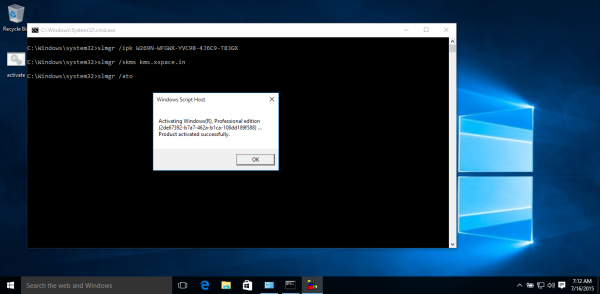
How to activate Windows 10 build 10240
Open an elevated command prompt.
Type the following command and hit the Enter key:
Wait for the message box popup that the key is installed.
Now type the following command and press Enter
Again, wait for the message box.
Finally, enter the following command:
Type the following command and hit the Enter key:
Code:
slmgr /ipk W269N-WFGWX-YVC9B-4J6C9-T83GXWait for the message box popup that the key is installed.
Now type the following command and press Enter
Code:
slmgr /skms kms.xspace.inAgain, wait for the message box.
Finally, enter the following command:
Code:
slmgr /atoAfter you hit the Enter key, Windows 10 build 10240 will become activated.
Proof



Last edited:


