


Computer Hardware and Software Troubleshooting course
What you’ll learn
- Desktop Computer core basic
- Installation of Windows 7 and 10
- Repair guide of Desktop
- Smps of Desktop
Requirements
- no previous experaince required.
Description
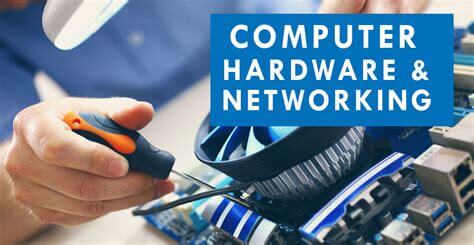
This course will give you all the knowledge and wisdom related to hardware of computer. You will be educated on working of computer motherboard and the peripherals are connected. SMPS power supply and its pin outs are explained in detail. Besides that everything related to it are covered in high detail. You will be able to fix your own computer with confident and extra wisdom about the desktop computer systems will be provided by this course.Course content
7 sections • 15 lectures • 2h 47m total length- Desktop Computer Basics
- Computer Memory
- Switch Mode Power Supply (SMPS)
- Front Panel Connectors
- Desktop Computer Repair Guide
- Making bootable disk and general settings
- Windows OS installation and configuration
Who this course is for:
- Those who desire to learn about hardware, software and function’s related to computer.
Download Link (MEGA)
Download Link (Gdrive)
හැමෝටම සුභ දවසක්...


