


The Free FLV to WAV Converter helps you convert your favorite FLV files to WAV files. Only with 3 steps, then you can enjoy your WAV music anytime and anywhere!
Step1: Install and run
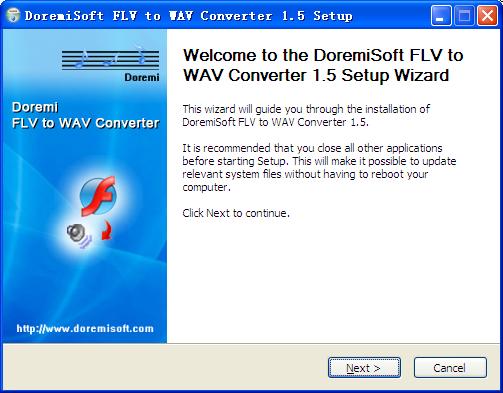
Install Doremi FLV to WAV Converter, then run it. You will see a friendly interface.
Ste2: Add files and Settings
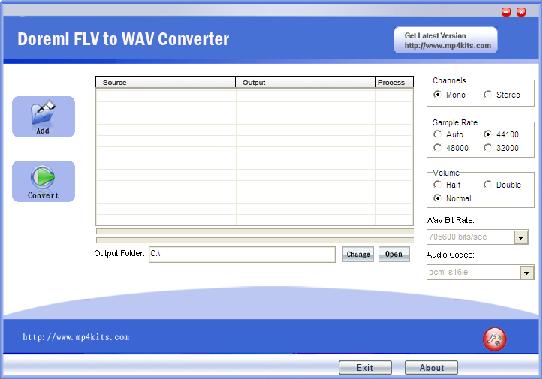
Add your favorite FLV file(s), one or batch. Set channels, sample rate, bit rate and volume according to your need.
Step3: Converting
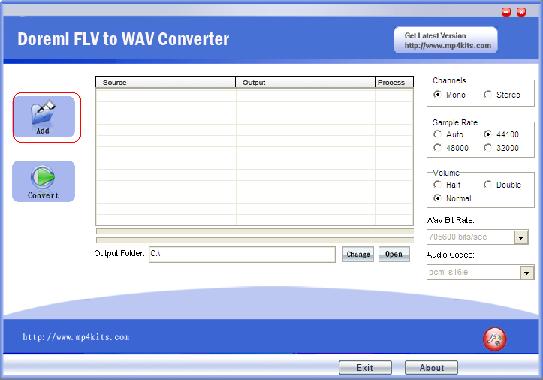
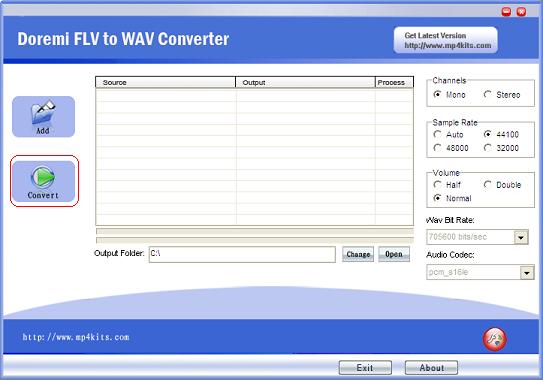
After changing the output folder(the default is disc C), click 'Convert' button, the FLV files can be converted to MP3 format in a jiffy.
Tip: You can add artist and title tags to MP3 files as you like.
Done, so easy to operate! Enjoy your MP3 music when sit down, relax or on the go!
Step1: Install and run
Install Doremi FLV to WAV Converter, then run it. You will see a friendly interface.
Ste2: Add files and Settings
Add your favorite FLV file(s), one or batch. Set channels, sample rate, bit rate and volume according to your need.
Step3: Converting
After changing the output folder(the default is disc C), click 'Convert' button, the FLV files can be converted to MP3 format in a jiffy.
Tip: You can add artist and title tags to MP3 files as you like.
Done, so easy to operate! Enjoy your MP3 music when sit down, relax or on the go!


