


How to protect DVD/CD or USB Memory Stick by Password ?
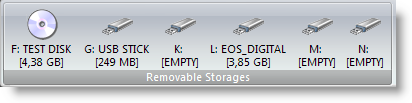
Master Voyager is especially designed to create protected DVD/CD discs and USB Memory Sticks. It creates protected areas
on the media and it is needed to enter password to see protected contents. Protected Disc/USB Stick is fully autonomous
and does not need any special software installed on computer.

* Strong encryption of protected contents. Advanced Encryption Standard 256 bit is used to protect your records. AES is
new Federal Information Processing Standard (FIPS) and used to protect sensitive information by U.S.Government
organizations (and others).
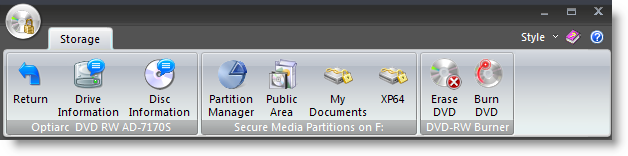
* Embedded CD/DVD burning module. It supports CDR/CDRW/DVD+-R/DVD+-RW disc types. You do not need to buy special
CD burning software.
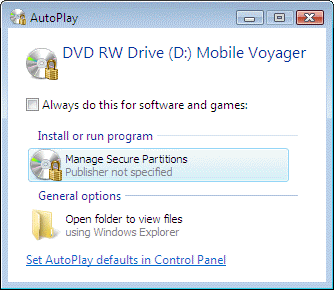
* No need to have Master Voyager software on computer to read protected media. Every protected disc/usb stick contains
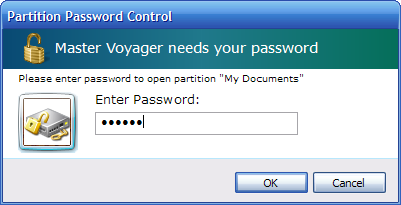
AutoPlay module. You just need to insert disc into CD Drive (or connect your Flash Stick to USB port) and it will ask password
to continue. The only requirement is to have Windows Vista/XP/2000 (32 or 64 bit) and CDROM/USB port. The protected
media does NOT install any software to the target computer. It is fully autonomous.
* You do not need to wait until large amount of data will be decrypted to the computer from protected media. Master Voyager
utilizes special on-the-fly decryption technology used in our CryptoExpert Professional software. You just enter password and
protected areas become visible as virtual hard drives like E:, G:, Z: etc. Just eject disc from CD Drive and all virtual drives will
disappear from system. On the fly decryption technology allows to store movies/executable files/audio files inside the
protected area.
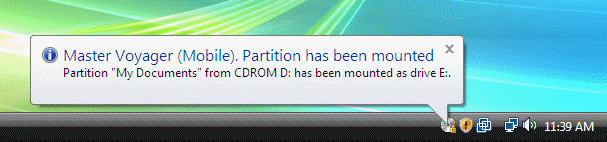
You can create multiple secure partitions with different passwords on one media. For example one secure partition will be "My
Documents", the second one is "My Pictures" and etc..
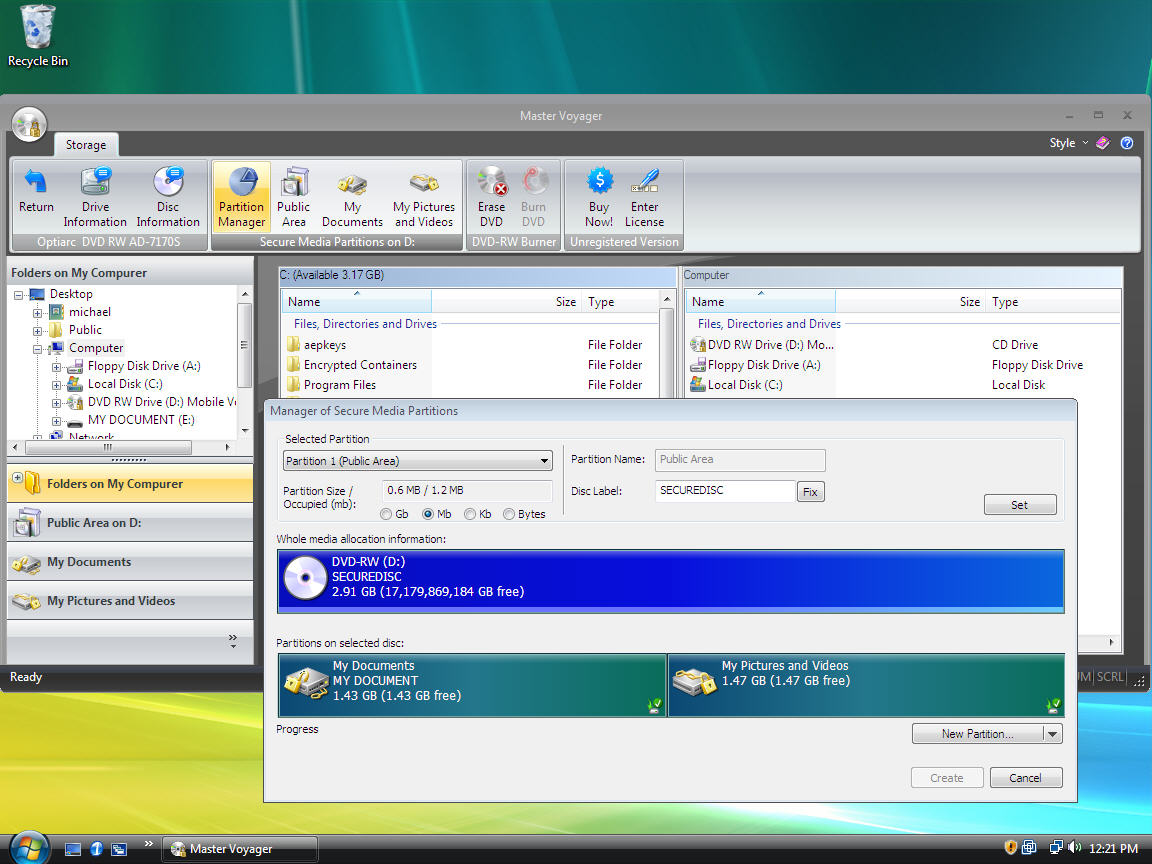


Master Voyager is especially designed to create protected DVD/CD discs and USB Memory Sticks. It creates protected areas
on the media and it is needed to enter password to see protected contents. Protected Disc/USB Stick is fully autonomous
and does not need any special software installed on computer.
* Strong encryption of protected contents. Advanced Encryption Standard 256 bit is used to protect your records. AES is
new Federal Information Processing Standard (FIPS) and used to protect sensitive information by U.S.Government
organizations (and others).
* Embedded CD/DVD burning module. It supports CDR/CDRW/DVD+-R/DVD+-RW disc types. You do not need to buy special
CD burning software.
* No need to have Master Voyager software on computer to read protected media. Every protected disc/usb stick contains
AutoPlay module. You just need to insert disc into CD Drive (or connect your Flash Stick to USB port) and it will ask password
to continue. The only requirement is to have Windows Vista/XP/2000 (32 or 64 bit) and CDROM/USB port. The protected
media does NOT install any software to the target computer. It is fully autonomous.
* You do not need to wait until large amount of data will be decrypted to the computer from protected media. Master Voyager
utilizes special on-the-fly decryption technology used in our CryptoExpert Professional software. You just enter password and
protected areas become visible as virtual hard drives like E:, G:, Z: etc. Just eject disc from CD Drive and all virtual drives will
disappear from system. On the fly decryption technology allows to store movies/executable files/audio files inside the
protected area.
You can create multiple secure partitions with different passwords on one media. For example one secure partition will be "My
Documents", the second one is "My Pictures" and etc..
Code:
http://rapidshare.com/files/141541609/masger.rar
http://rapidshare.com/files/164637764/masger_crack.rar


