


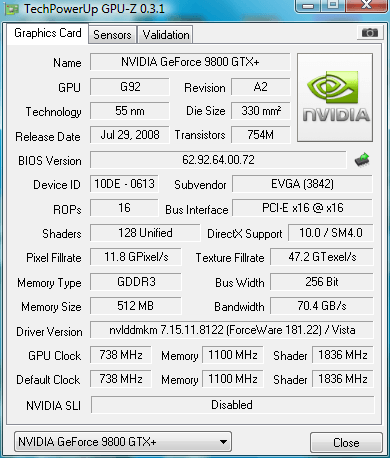
First, post a screenshot of GPU-Z ( Stock settings)
Then post a screenshot of the Overclocking utility that you use( I took this after finishing furmark, that is why the temps are high )
)

Then run furmark ( to check the stability of your oc) using these settings

Post the result and voila! Your oc is stable


Then post a screenshot of the Overclocking utility that you use( I took this after finishing furmark, that is why the temps are high
)
Then run furmark ( to check the stability of your oc) using these settings

Post the result and voila! Your oc is stable

Last edited:


