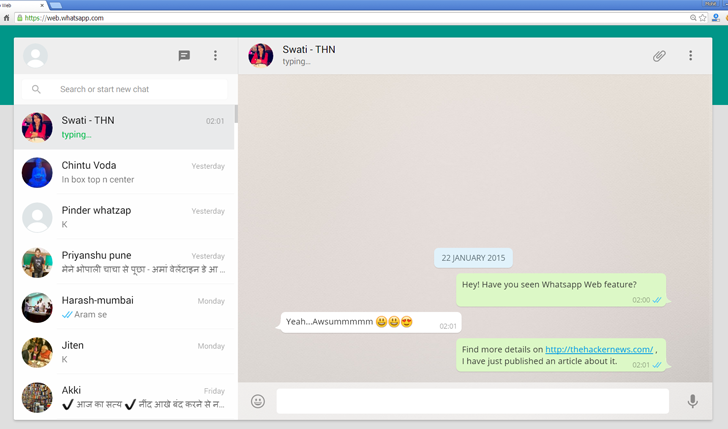
There are a few minimum requirements to enjoy WhatsApp Web:
You need to have an active WhatsApp account on your phone.
You need to have a stable internet connection on both your phone and your computer.
You need to use Google Chrome as your web browser. Click here to download Google Chrome onto your computer. (Other browsers are not currently supported).
To get started with WhatsApp Web you must first pair your phone and computer:
Visit web.whatsapp.com on your computer.
Open WhatsApp on your phone and go to Menu > WhatsApp Web.
Scan the QR Code on your computer.
From your phone, navigate to WhatsApp Web to view your Logged in computers or to logout from an active WhatsApp Web session.