


►►►◄◄◄◄ Free WiFi Mouse ►►►◄◄◄◄
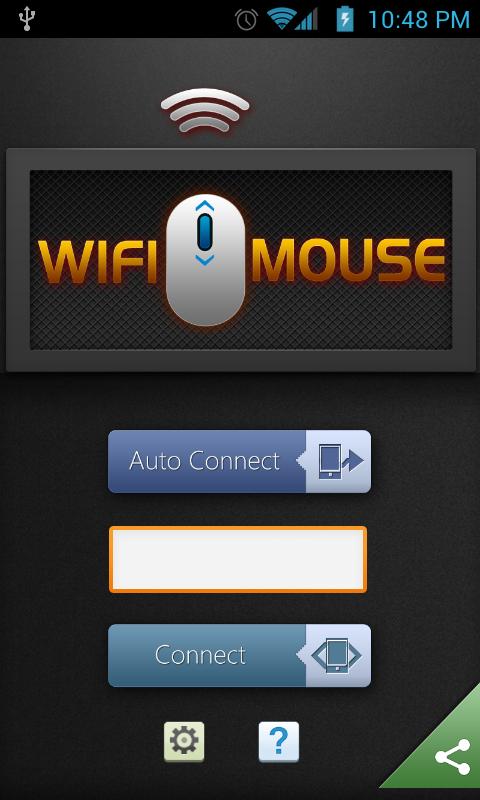
ඉතින් ඔන්න 4න් එකේ app එකක් හොය හොය හිටිය විට හමු වුනි මේ පහසුකම ලබා ගැනීමටනම් android 4න් එකක් wifi සමග ඒ වගේම wifi තිබෙන පරිගණකයක්
මෙන්න මේ app එක ඩව්න්ලෝඩ් කරගෙන වැඩේ කොරගන්න
Drag and Drop පහසුකමනම් නැල්ලු අනිත් ඒවානම් ඔක්කොම කොරගන්න පුලුවන්
ඉතින් ඔන්න 4න් එකේ app එකක් හොය හොය හිටිය විට හමු වුනි
මේ පහසුකම ලබා ගැනීමටනම් android 4න් එකක් wifi සමග ඒ වගේම wifi තිබෙන පරිගණකයක්
මෙතනින් ගන්න
Drag and Drop පහසුකමනම් නැල්ලු
අනිත් ඒවානම් ඔක්කොම කොරගන්න පුලුවන් Description
Transform your phone into a wireless mouse, keyboard and trackpad using WiFi Mouse. WiFi Mouse supports speech-to-text as well as multi-finger trackpad gestures. WiFi Mouse enables you to control your PC, MAC or HTPC effortlessly through a local network connection.
If you don't have AP(WiFi hotspot), you can use android phone/PC as hotspot.Features:
* Mouse curser movement
* left and right click support
* Middle mouse button scroll
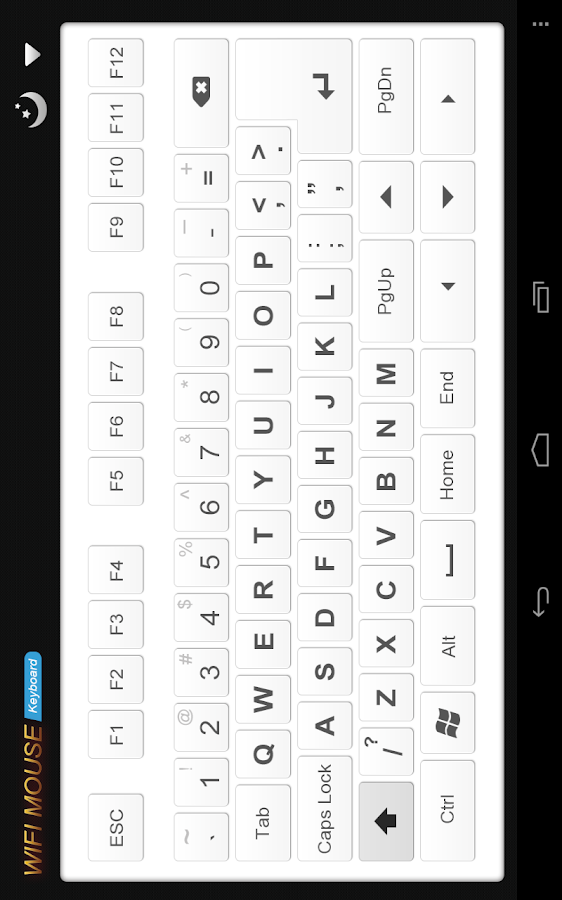
* Remote keyboard input
* PC/Mac hot keys and combination key(Pro only)
* Speech-to-text input for all languages
* Mouse & keyboard full screen
* Auto-connect on application startup
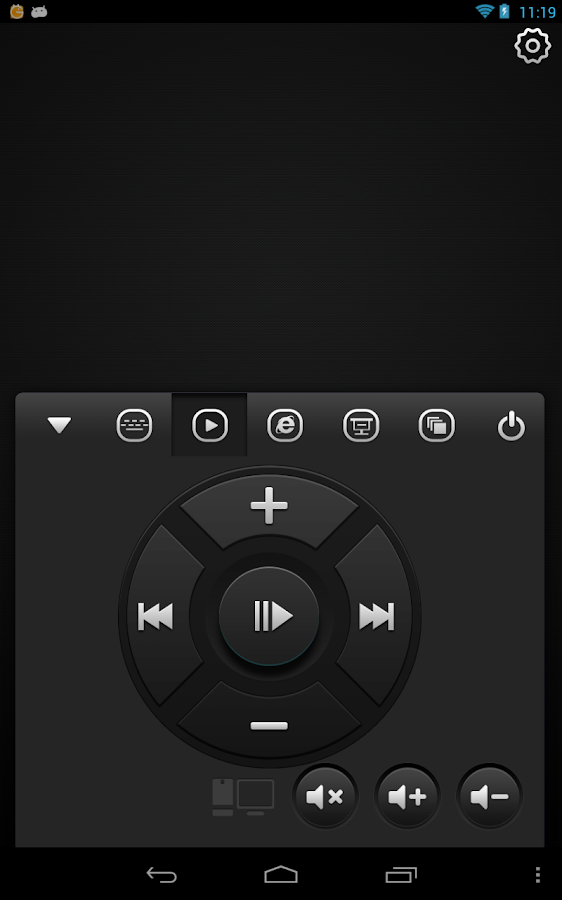
* Media player controller(Pro only)
* Explorer controller(Pro only)
* PPT Presentation controller(Pro only)
* Compatible with XP/Windows Vista/Windows 7/Windows 8/Mac OSX/Linux (Ubuntu)
Gestures:
* Tap-to-click
* Tap and move for drag
* Two finger tap for right click
* Two finger scroll
* Pinch to zoom(pro)
* Three finger drag & drop or highlight
* Four finger swipe down to show desktop(Pro only)
* Four finger swipe up to maximise current window(Pro only)
* Four finger swipe sideways to change current window focus(Pro only)
* Left handed mouse support (swap left and right mouse click)
Transform your phone into a wireless mouse, keyboard and trackpad using WiFi Mouse. WiFi Mouse supports speech-to-text as well as multi-finger trackpad gestures. WiFi Mouse enables you to control your PC, MAC or HTPC effortlessly through a local network connection.
If you don't have AP(WiFi hotspot), you can use android phone/PC as hotspot.Features:
* Mouse curser movement
* left and right click support
* Middle mouse button scroll
* Remote keyboard input
* PC/Mac hot keys and combination key(Pro only)
* Speech-to-text input for all languages
* Mouse & keyboard full screen
* Auto-connect on application startup
* Media player controller(Pro only)
* Explorer controller(Pro only)
* PPT Presentation controller(Pro only)
* Compatible with XP/Windows Vista/Windows 7/Windows 8/Mac OSX/Linux (Ubuntu)
Gestures:
* Tap-to-click
* Tap and move for drag
* Two finger tap for right click
* Two finger scroll
* Pinch to zoom(pro)
* Three finger drag & drop or highlight
* Four finger swipe down to show desktop(Pro only)
* Four finger swipe up to maximise current window(Pro only)
* Four finger swipe sideways to change current window focus(Pro only)
* Left handed mouse support (swap left and right mouse click)
Last edited:


