Quick Setup (5 Minutes)
Follow these steps carefully:
- Go to the promo page → perplexity.ai
- Click “Request 12 months of Perplexity Pro”
- Create a new account (use an email never used before with Perplexity)
- Verify with the confirmation code sent to your email
- Connect PayPal account (required for activation)
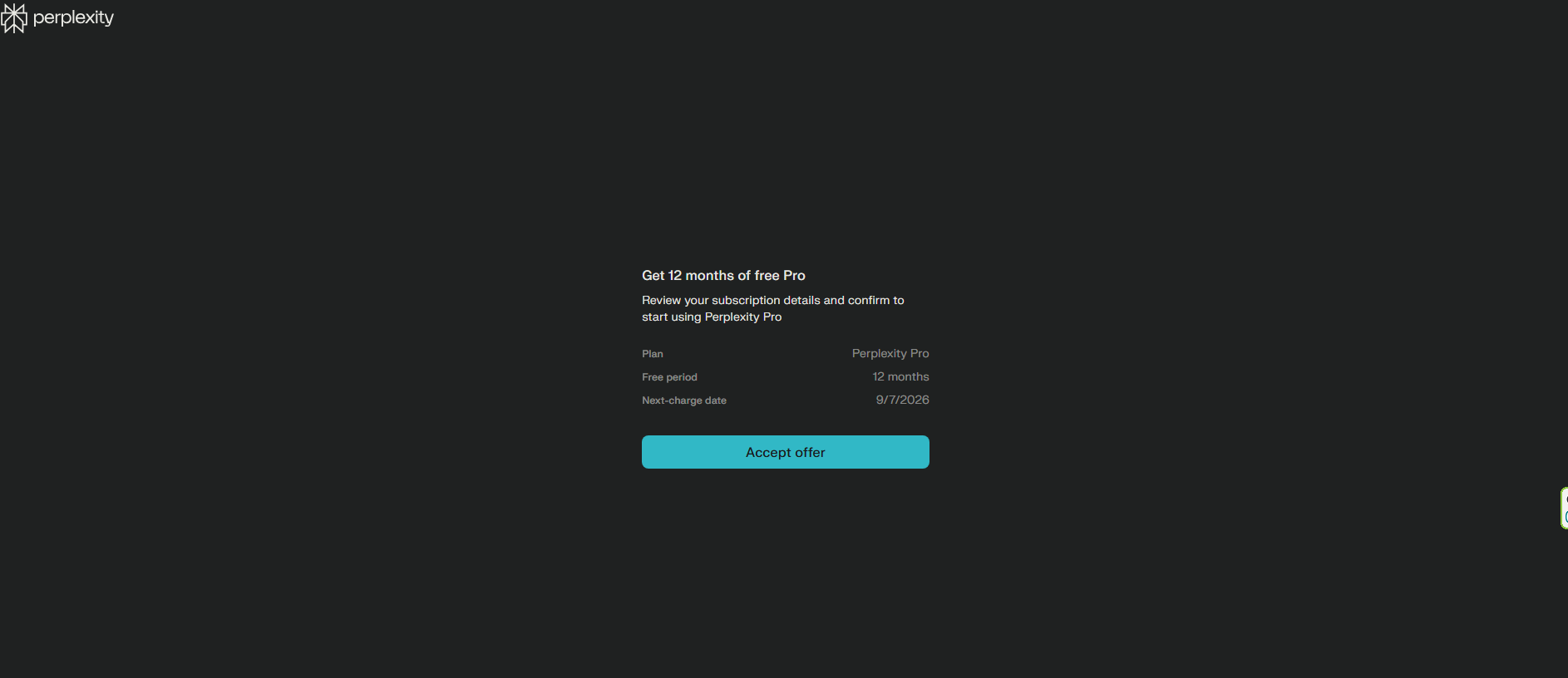
- Accept the 12-month offer
- Log in and confirm your Pro subscription
Safety First
To avoid any surprise renewals after the year:
- Visit Perplexity Account Settings → Cancel subscription
- Also, log into PayPal → Settings → Payments → Manage Automatic Payments → Cancel Perplexity
This way, you still keep your
full 12 months of Pro, risk-free.