
ntrox said:Thamuse joke ekakadata kiwwe
naththam sirawatada
mokakda machan mata thmuse kiyala kathaakaranna tharam man oyata karala thiyena warada...


ntrox said:Thamuse joke ekakadata kiwwe
naththam sirawatada


hhe owa gana ganna epa eh eyage style ekadilrasan said:maday udawwak karanna giya...

fazaal24 said:Thanks A lot for the sup machan!!ElaKiriThawa daamu
mala jon kothalawala

podi misunderstanding ekak wela oya "dilrasan said:maday udawwak karanna giya...
" emoticon eka use karapu nisa.
dilrasan said:maday udawwak karanna giya...
" nisa mama hithuwe ehemai
ntrox said:
Hey Bros
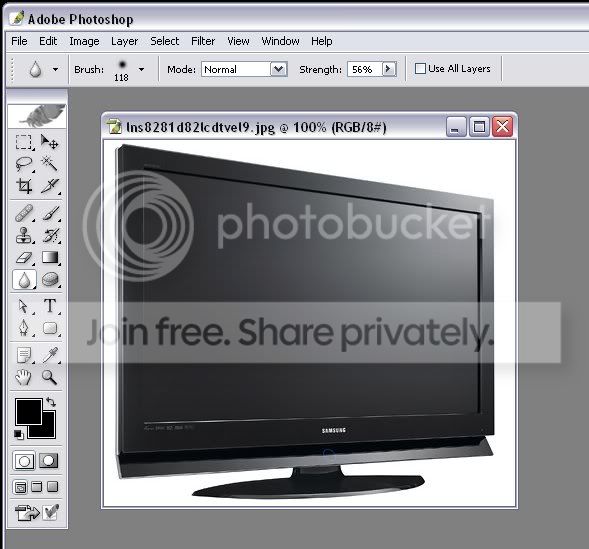
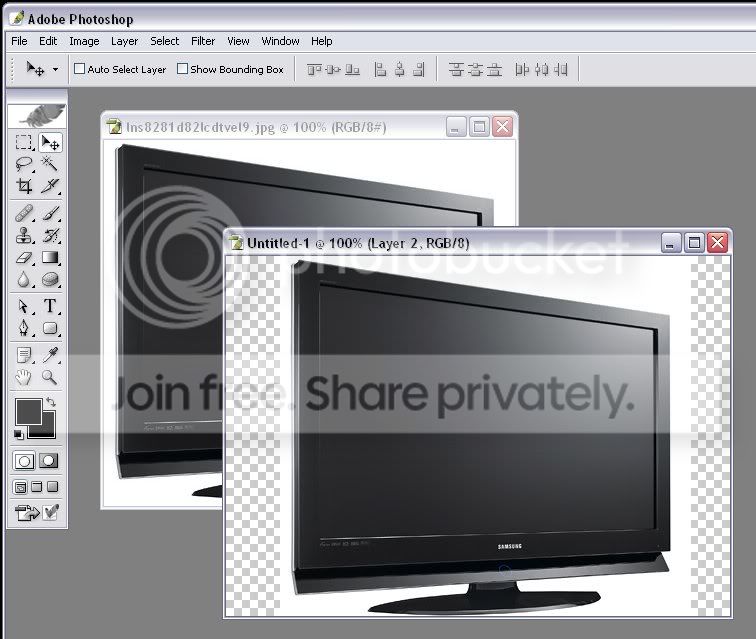
Mata me pic eke wate sudu tika nathuwa TV eka witharak save karana
vidiya kiyala dennako
Ai machan..??monada scne eka??Sparxrc said:ahh mokadda karanne
fazaal24 said:Ai machan..??monada scne eka??

fazaal24 said:Machan meeka karanna godak widi thiyanawa
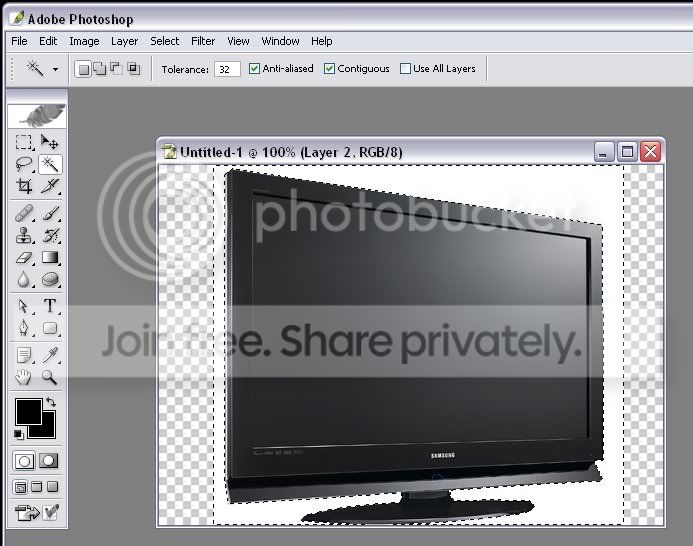
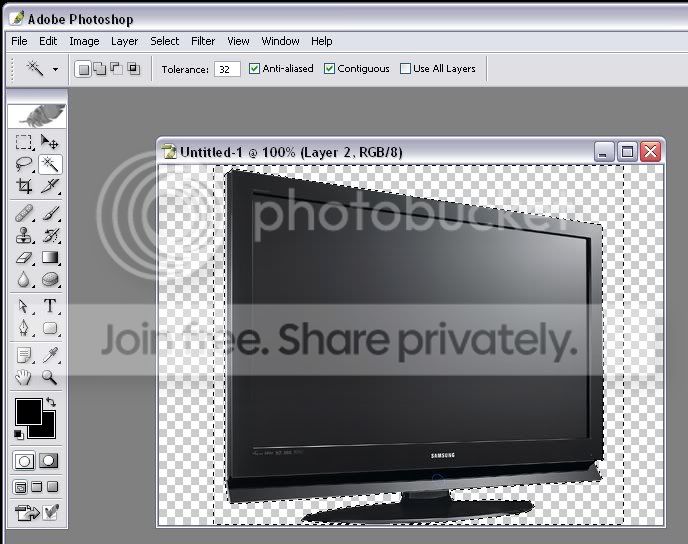
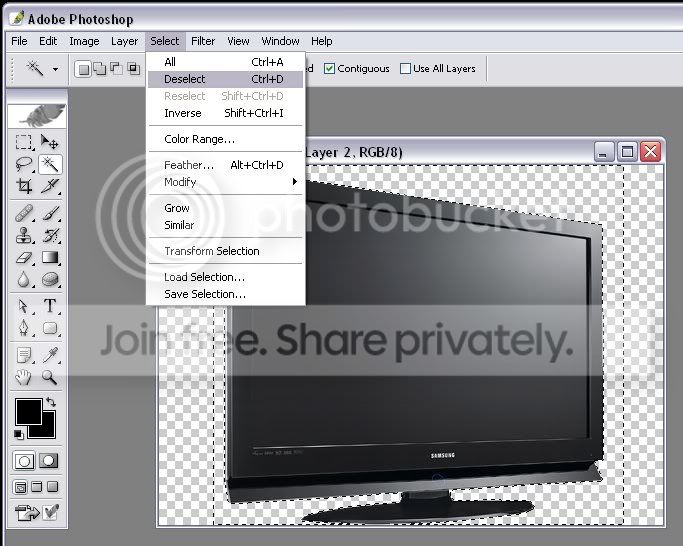
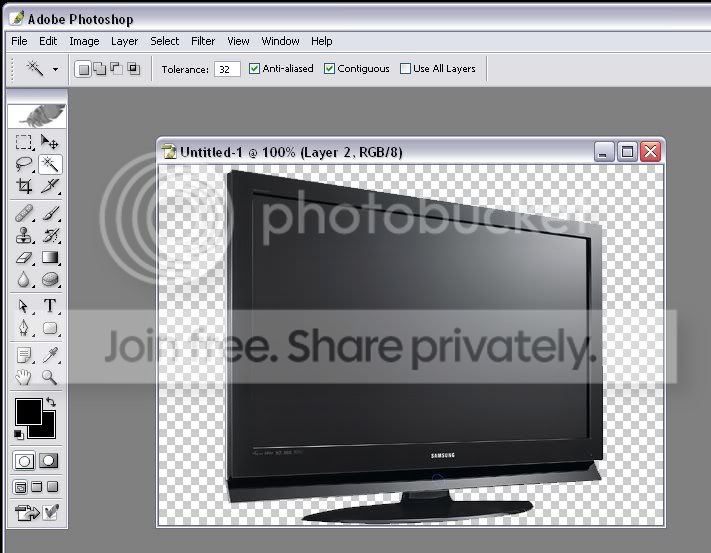
1) Magnetic Lasso tool eke wate select karala delete karanna
2)Background eraser tool eken click karanna white part eka
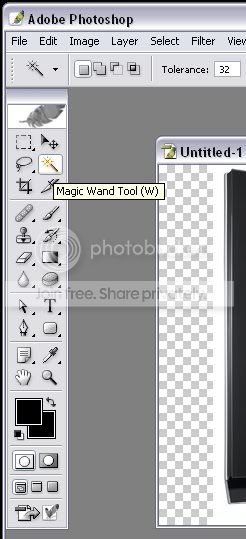
3)Magic wand eke white thenak click karama nikanma white eewa select wenawa..ehema delete karanna
And machan, mata Oya white eka remove karanna plugin ekak set una PS walata..Eeka poddak test karala dannam machan
Sparxrc said:nana mokadda oya ara shadow eke waraddak kiwwe
ekata monada karanne
fazaal24 said:AH...dan kalin gradient eka apply kare koi athatada??ee pathata nathuwa anith paththata adapan..ethakota thamai yata tika invisible wela uda tika penne



ntrox said:Ela machan
Mata test karala link eka denna
First of all - the Remove White plugin is as far as I know, made by Mark McLaren and you can find it here (scroll down and click on Remove White under Mark McLaren). Unpack the filter and put it in your filter folder.
But since it is an older type filter, you need an extra file to make it work. You need to add msvcrt10.dll (click here to download it) to the same folder as the Photoshop program. Do not add it to the system32 folder or anywhere else in the main Windows folder as it might interfere with how other programs work.
Reboot Photoshop, and it should start with no problems. You should now have a new category of plug-ins at the bottom of your filter list called Mac’s with a single filter called Remove White.
To apply this filter to an image, you first have to either duplicate the background layer and do it on the copy, or double-click on the background layer and turn it into a regular layer. If you want to apply this to just a portion of your image, you have to make a selection first, otherwise just choose the Remove White filter and you are done. You should now see the checkered background through the parts of your image that is not completely black.
Sparxrc said:and macho A4 size eka us paper kiyana ekada????
dilrasan said:Mulinma PS walin Pic eka Open Karaganna...
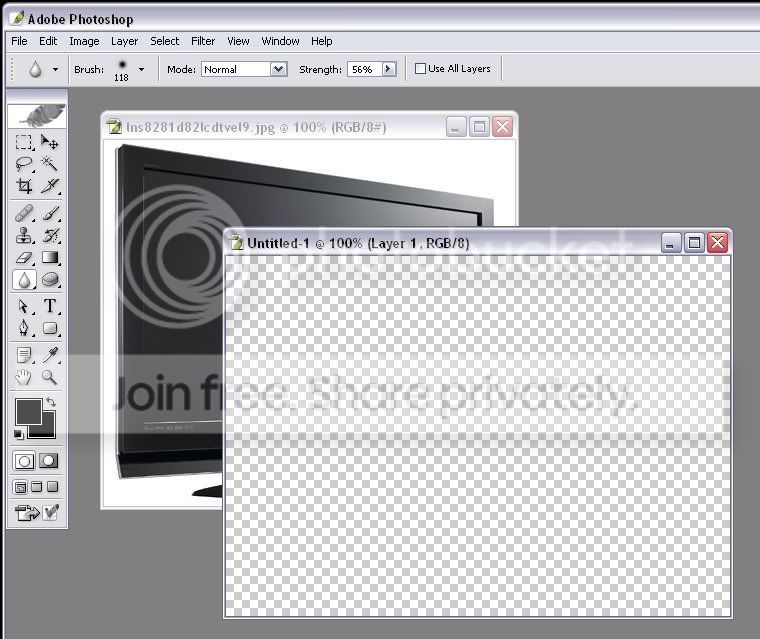
Dewanuwa..File-->New gihilla menna me widiye Page ekak open karaganna
mehema ey..
eelangata pic eka Click karagena edala daanna ara open karagaththa new page ekata...
passe me tool eka ganna...
White eke click karanna...
Delete button eka obanna...keyBoard eke..
eetapasse mehema karanna(optional)
Save karaganna...PNG or as a JPEg or Something Like That...U r Done See..>>>
ntrox said:Thaama hari giya ne ban thawa sarayak test ekak deela balannam


