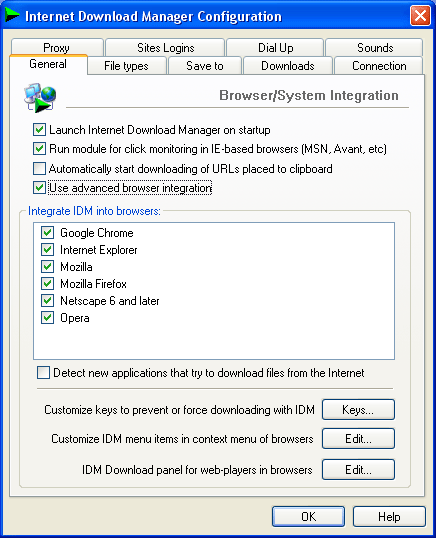
Follow these simple steps:
If you already have Google Chrome and IDM setups, proceed to step 4


If you already have Google Chrome and IDM setups, proceed to step 4
- Download Full Version of Internet Download Manager [IDM].
- Download Google Chrome.
- If you are interested in integrating IDM with the Portable Google Chrome, Download Portable Chrome first.
- Install IDM and Google Chrome.
- Now open Internet Download Manager
- Choose Downloads from menu bar and then select Options
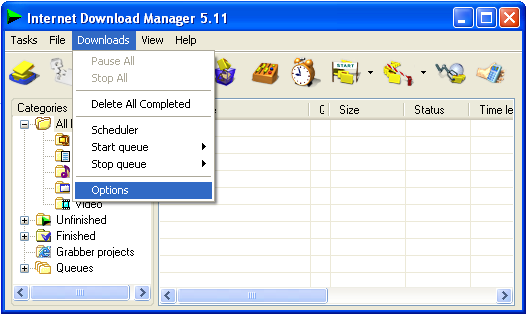
- Now check "Use Advanced Browser Integration".

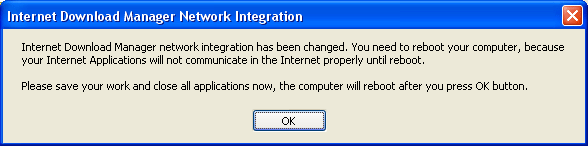
- After checking the check-box, you will be prompted for system reboot.

- Save your important work before system may reboot.
- After reboot, don't start Google Chrome, again go to the IDM options and this time check "Detect new applications that try to download files from internet".
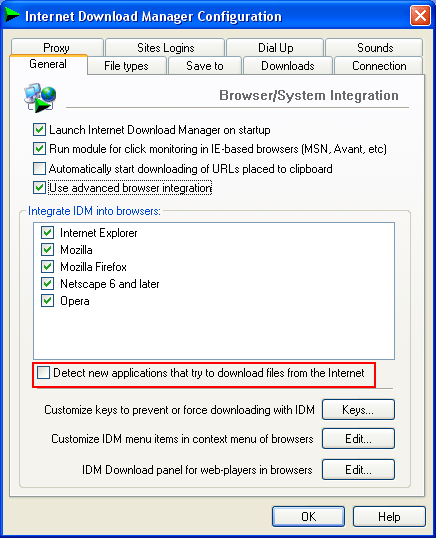
- You will be asked to restart Internet Download Manager.
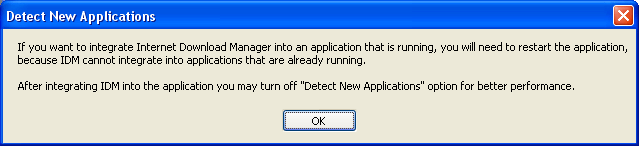
- After re-initializing the IDM, you will be able to see Google Chrome in the browser's list.