


Internet Download Manager (IDM) 6.32 Build 1
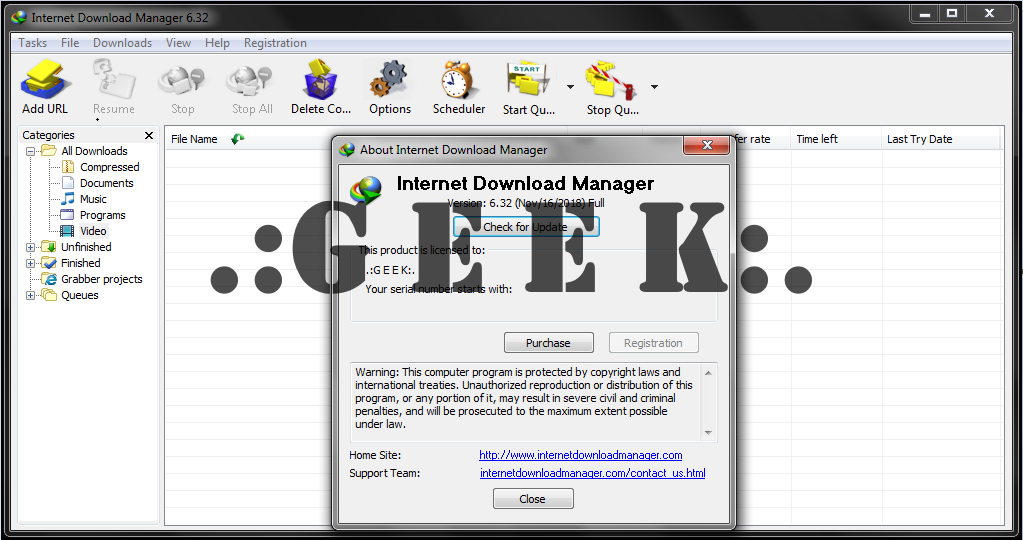
Info:
Internet Download Manager is a tool to download Internet files with comfort and speed. IDM can download several files and file segments simultaneously, pause and resume downloads with a single click, recover broken downloads from unexpected power shutoff or network related problems. Simple graphic user interface makes IDM application user friendly and easy to use. IDM can take over downloads from Internet Explorer, Opera, Mozilla and Netscape for any file types of your choice. It then shows its own download dialog where you gain additional control over your downloads.IDM has automatic update option and may check for the availability of a newer version once per week. Once a newer version has become available, IDM shows a dialog that describes all new features and suggests updating your current version. You can also download the latest version of IDM using Quick Update tool that comes along with IDM distribution. When IDM is working, it shows its icon on the taskbar. IDM menu shows up when you right click on the icon. You can exit IDM by picking "exit" in the menu.
Features:
IDM downloading a file
Divides downloads into multiple streams for faster downloading
Batch downloads
Import/Export download jobs
Auto/manual updating of download address
Multiple queues
Recent downloads list for easy access to directories
Video downloading from streaming video sites.
Dynamic segmentation throughout the downloading process.
Protocols: HTTP, FTP, HTTPS, MMS and Microsoft ISA
Authentication protocols: Basic, Negotiate, NTLM, and Kerberos allowing for storage and auto-authentication of user names and passwords.
IDM supports the following web browsers: Internet Explorer, Opera, Netscape Navigator, Apple Safari, Flock, Google Chrome, Mozilla Firefox, and many others.
Review:
Change-log:
Virus Total Report:
Install Notes:
Internet Download Manager (IDM) 6.32 Build 1 + Crack:
Installer + Crack:
https://rapidgator.net/file/703776891b29598a26a03f9002d526d8/Internet_Download_Manager_(IDM)_v6.32_Build_1_[Nov_16,_2018].rar.html
Info:
Internet Download Manager is a tool to download Internet files with comfort and speed. IDM can download several files and file segments simultaneously, pause and resume downloads with a single click, recover broken downloads from unexpected power shutoff or network related problems. Simple graphic user interface makes IDM application user friendly and easy to use. IDM can take over downloads from Internet Explorer, Opera, Mozilla and Netscape for any file types of your choice. It then shows its own download dialog where you gain additional control over your downloads.IDM has automatic update option and may check for the availability of a newer version once per week. Once a newer version has become available, IDM shows a dialog that describes all new features and suggests updating your current version. You can also download the latest version of IDM using Quick Update tool that comes along with IDM distribution. When IDM is working, it shows its icon on the taskbar. IDM menu shows up when you right click on the icon. You can exit IDM by picking "exit" in the menu.
Features:
IDM downloading a file
Divides downloads into multiple streams for faster downloading
Batch downloads
Import/Export download jobs
Auto/manual updating of download address
Multiple queues
Recent downloads list for easy access to directories
Video downloading from streaming video sites.
Dynamic segmentation throughout the downloading process.
Protocols: HTTP, FTP, HTTPS, MMS and Microsoft ISA
Authentication protocols: Basic, Negotiate, NTLM, and Kerberos allowing for storage and auto-authentication of user names and passwords.
IDM supports the following web browsers: Internet Explorer, Opera, Netscape Navigator, Apple Safari, Flock, Google Chrome, Mozilla Firefox, and many others.
Review:
The installation of Internet Download Manager is straightforward.there is no reason for complaints. IDM integrates itself automatically into supported web browsers, the list includes Internet Explorer, Firefox, Chrome and Opera, by hijacking the browser's own download tool. The process is fully automated and you do not have to do anything different to take advantage of the program.Downloads that you initiate are simply handled automatically by the download manager and not the browser's download tool. It displays information about the download, will group the download automatically, and lets you add a description if you want.
Change-log:
What's new in version 6.32 Build 1
(Released: Nov 16, 2018)
-Adapted the user interface for Unicode characters for all versions of Windows
-Added the possibility to translate IDM into all languages not previously supported
-Fixed bugs
Virus Total Report:
Code:
https://www.virustotal.com/#/file/74b6459705ce9b4d58b1171f48b5870053d4d2b2c5c1347c1e4a789c076767d4/Install Notes:
1. Install IDM.
2. Exit from Taskbar.
3. Copy "IDMan.exe" to Installation directory.
4. Run Register.reg file.
[do not change the reg file. the key generated is with respect to the registered name.
the app may become unregistered if changed.]
5. Run IDM & Enjoy...!!!
Internet Download Manager (IDM) 6.32 Build 1 + Crack:
Installer + Crack:
Code:
https://rapidgator.net/file/703776891b29598a26a03f9002d526d8/Internet_Download_Manager_(IDM)_v6.32_Build_1_[Nov_16,_2018].rar.htmlhttps://rapidgator.net/file/703776891b29598a26a03f9002d526d8/Internet_Download_Manager_(IDM)_v6.32_Build_1_[Nov_16,_2018].rar.html


