


How to keep Folders Hidden.
First create a new folder somewhere on your hard drive.
When you name it hold down "Alt" and press "0160" (this will create and invisible space so it will apper as a folder with no name).
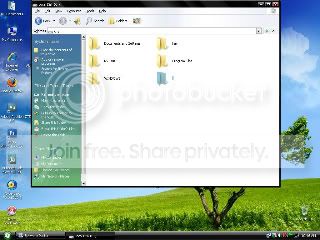
Then right click on the folder and select "Properties" select the tab "coustimize" and select "change icon" scroll along and you should see a few blank spaces click on any one and click ok.
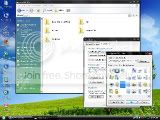
When you hav saved the settings the folder will be invisible to hide all your personal files.
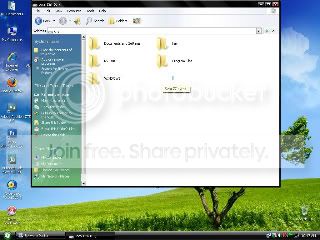
First create a new folder somewhere on your hard drive.
When you name it hold down "Alt" and press "0160" (this will create and invisible space so it will apper as a folder with no name).
Then right click on the folder and select "Properties" select the tab "coustimize" and select "change icon" scroll along and you should see a few blank spaces click on any one and click ok.
When you hav saved the settings the folder will be invisible to hide all your personal files.


