


Krita 2.9.x Best Alternative To Photoshop for Ubuntu/Linux Mint
Krita is a KDE program for sketching and painting, although it has image processing capabilities, offering an end–to–end solution for creating digital painting files from scratch by masters. Fields of painting that Krita explicitly supports are concept art, creation of comics and textures for rendering. Modelled on existing real-world painting materials and workflows, Krita supports creative working by getting out of the way and with a snappy response.
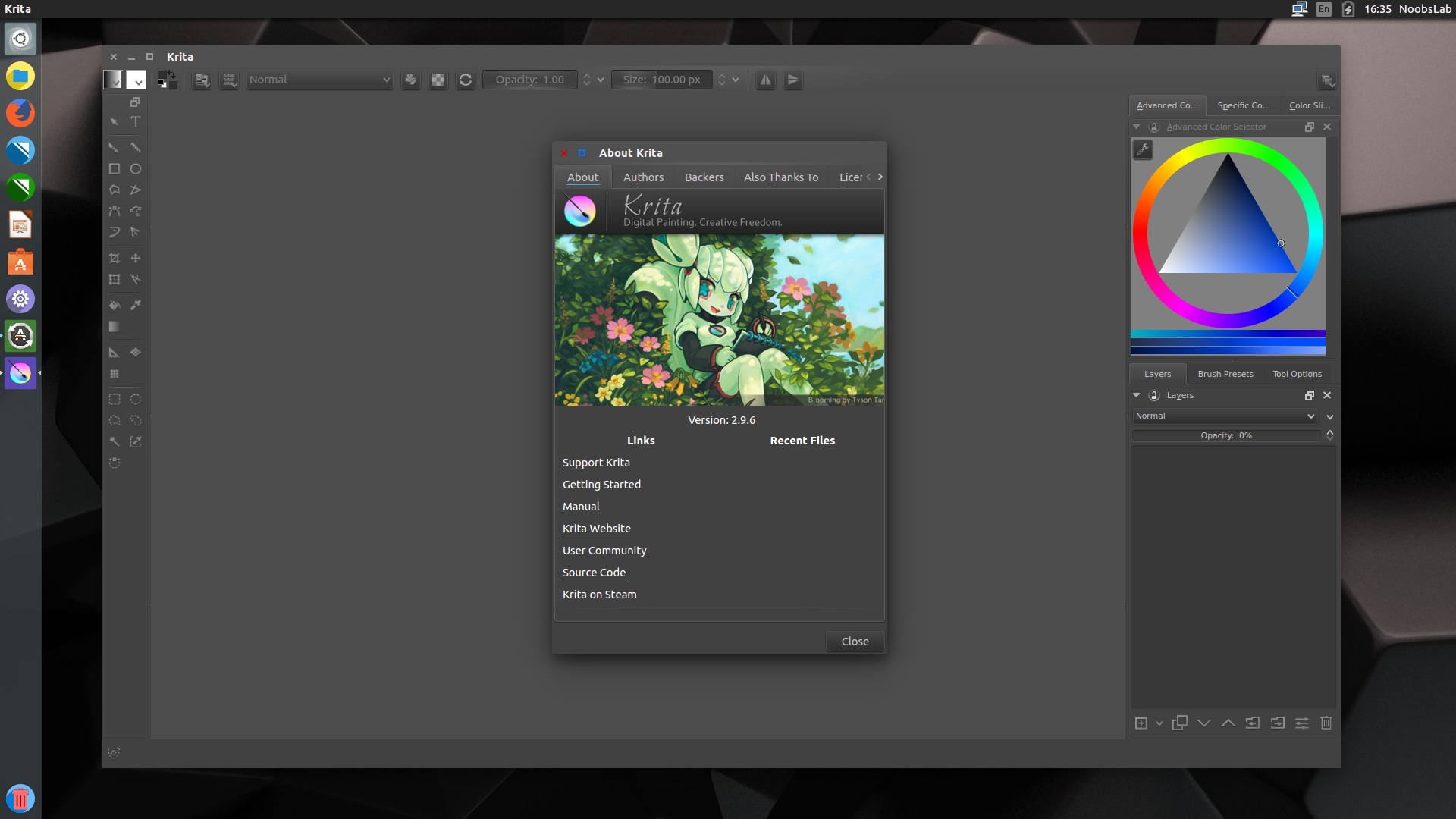
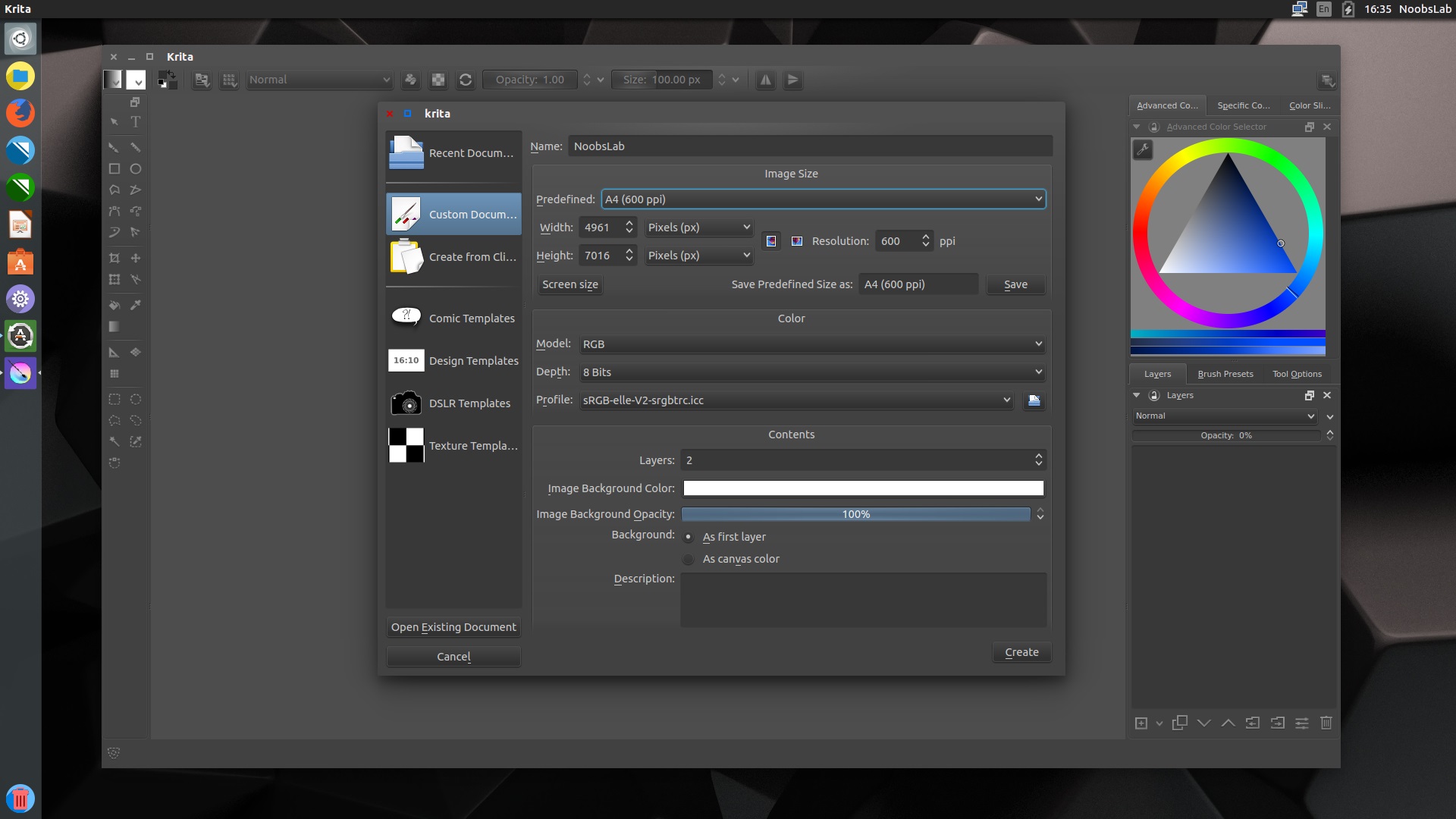
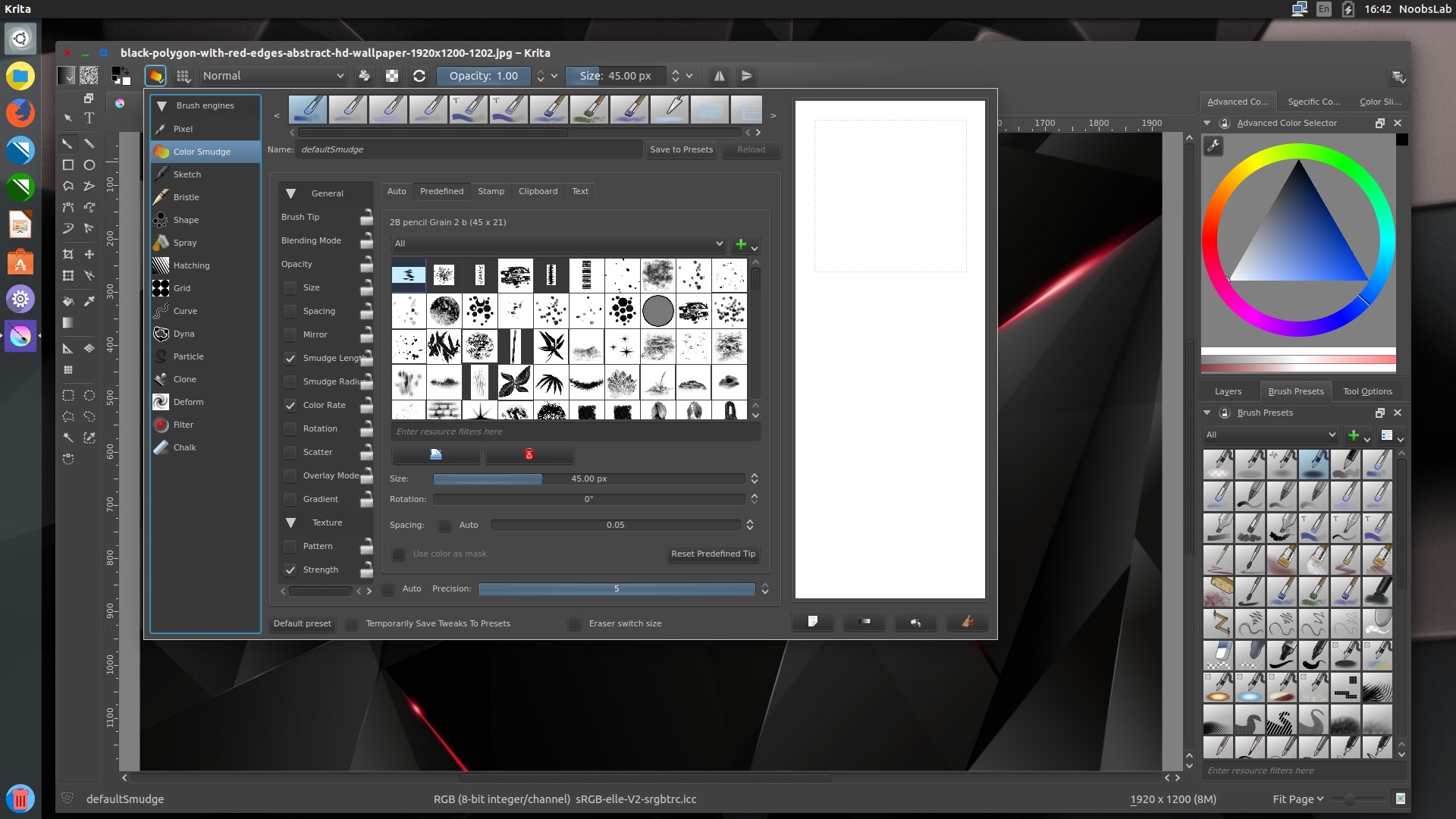
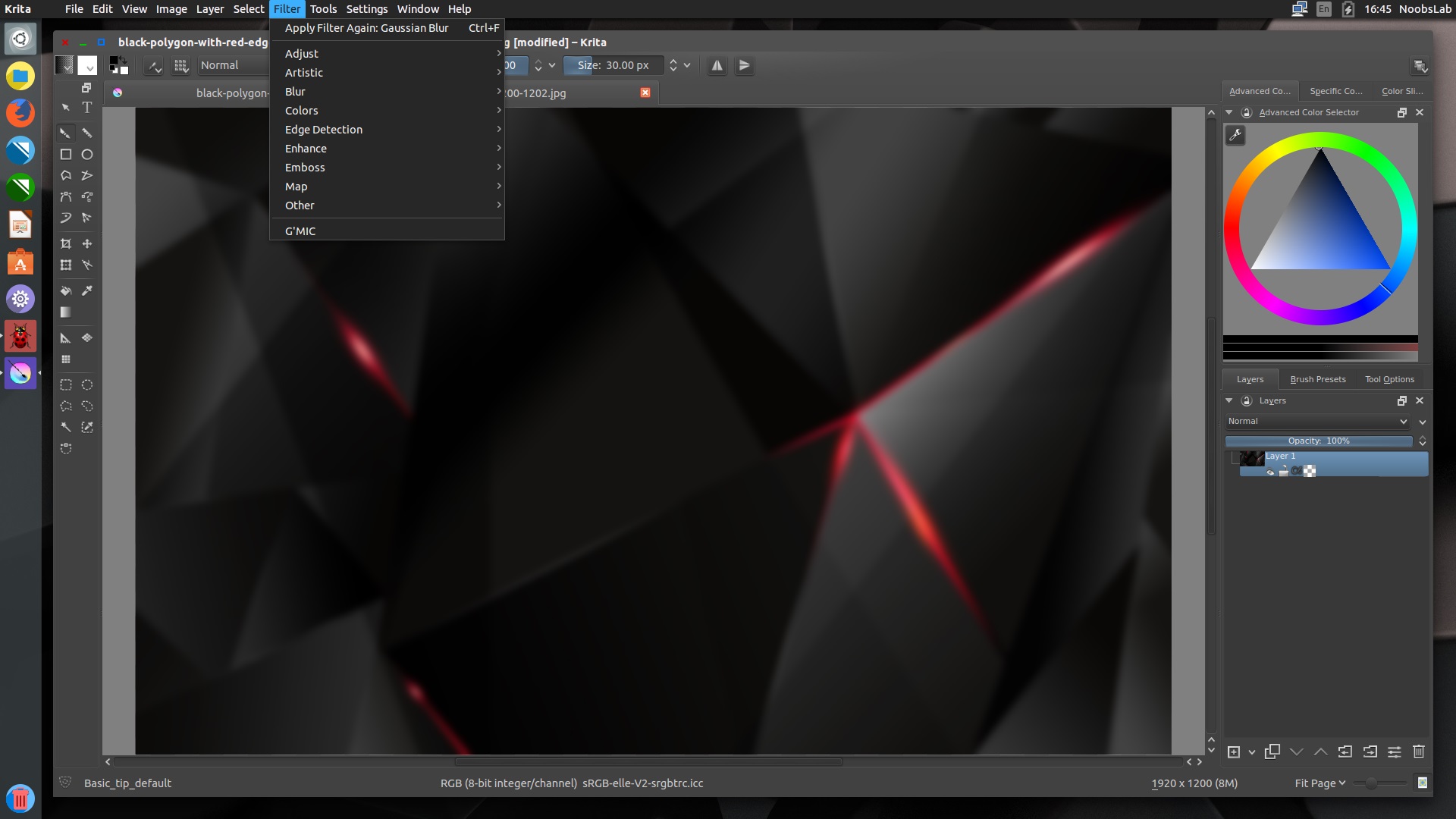
Krita is a KDE program for sketching and painting, although it has image processing capabilities, offering an end–to–end solution for creating digital painting files from scratch by masters. Fields of painting that Krita explicitly supports are concept art, creation of comics and textures for rendering. Modelled on existing real-world painting materials and workflows, Krita supports creative working by getting out of the way and with a snappy response.
Noteable changes:
Add possibility to continue a Crop Tool action
Speed up of color balance, desaturate, dodge, hsv adjustment, index color per-channel and posterize filters.
Activate Cut/Copy Sharp actions in the menu
Implemented continuation of the transform with clicking on canvas
new default workspace
Shift+click: add to selection.
Alt+click: subtract from selection.
Shift+alt+click: intersect selection
Make Group Layer return correct extent and exact bounds when in pass-through mode
Make fixes to pass-through mode.
Added an optional optimization to slider spin box
Fixed wrapping issue for all dial widgets in Layer Styles dialog
Fix calculation of y-res when loading .kra files
Available for Ubuntu 15.10 Wily/15.04 Vivid/14.10 Utopic/14.04 Trusty/12.04 Precise/Linux Mint 17.x/13/other Ubuntu derivatives (The following PPA is unofficial)
To install Krita in Ubuntu/Linux Mint open Terminal (Press Ctrl+Alt+T) and copy the following commands in the Terminal:
Terminal Commands:
sudo apt-add-repository ppa:dimula73/krita
sudo apt-get update
sudo apt-get install krita-2.9
sudo mv /usr/share/applications/kde4/krita.desktop /usr/share/applications/


