


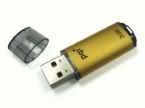
Most of our flash drives comes up with this problem....
Windows Was Unable To Format
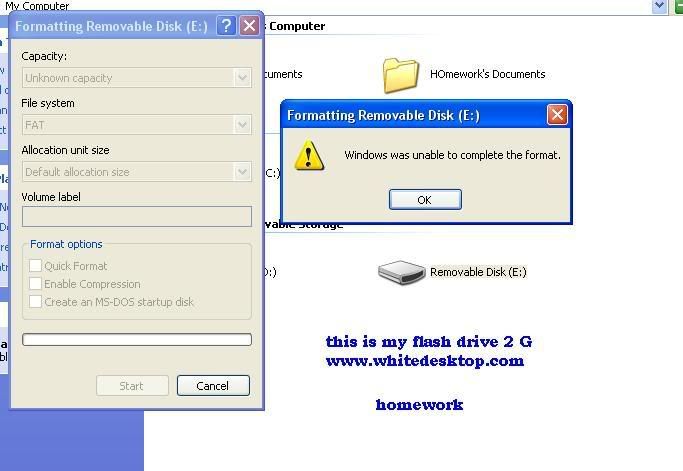
Dont Worry I Got the solution
Just Follow These Steps:
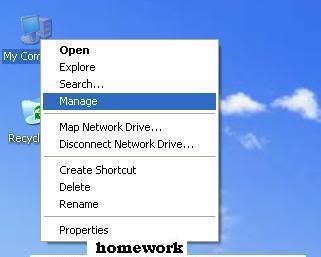
1st On Your desktop right click on your "MY COmputer icon" Then Click "Manage"
2nd:
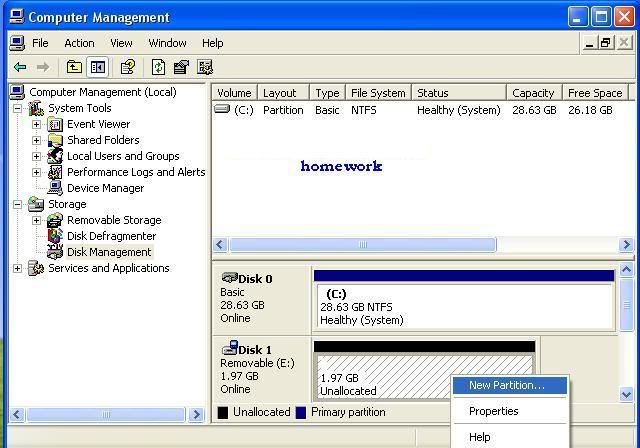
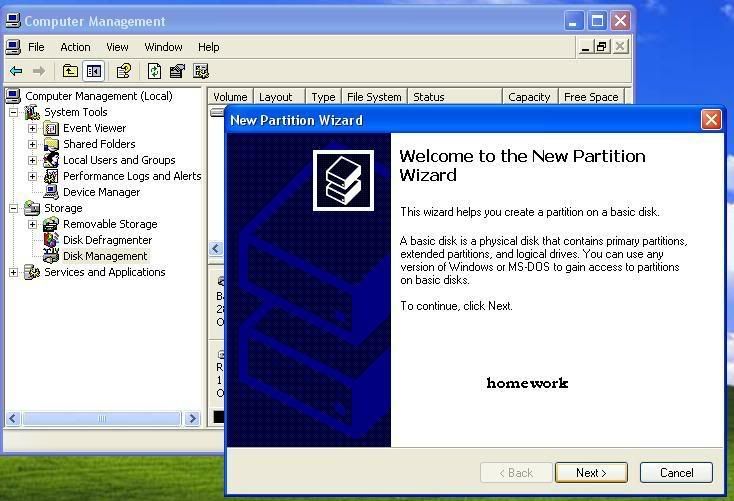
Click on "Disk Management" Then Click on desired drive, and then right click, then click on "new partition"[seen on image below]
3rd:
This will appear....Click on "Next"

4th:
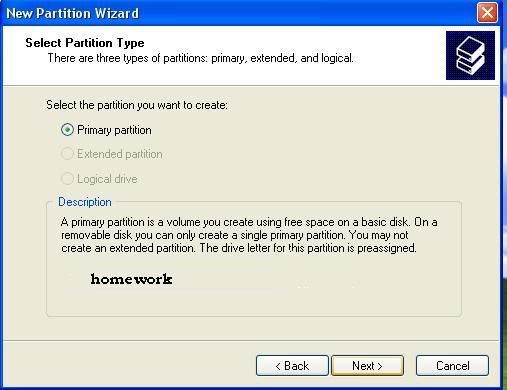
Click on "Primary Partition" Click "Next"
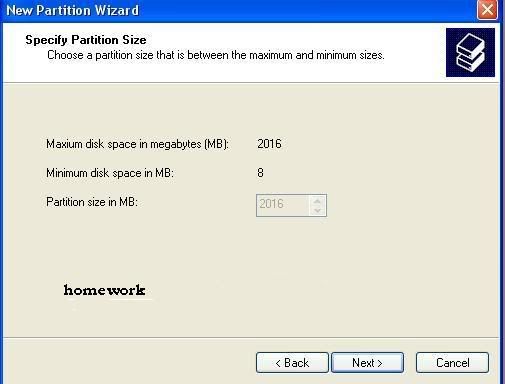
5th Click on "Next"
6th Click on "Next"
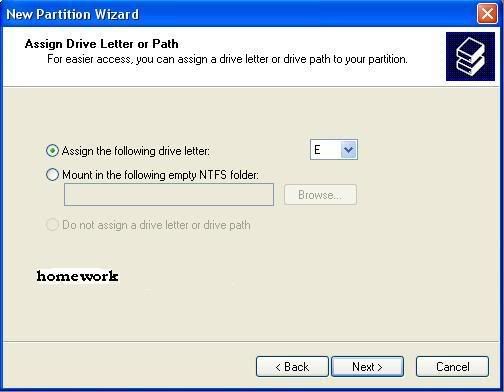
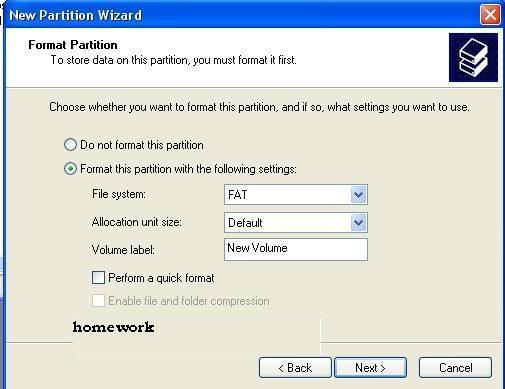
7th click on "this partition with the following settings'
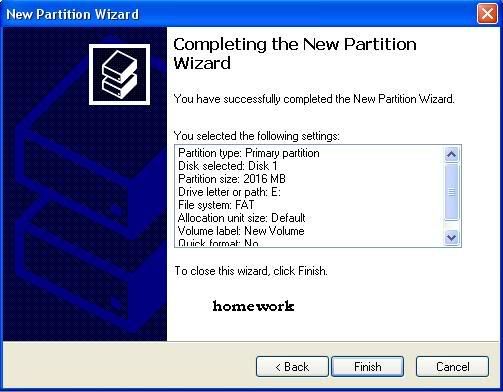
Finally "Click on Finish"
Download Here For More Information
Code:
http://uploading.com/files/K9I2FGJJ/DIY_flashdrive_repair.rar.html


 Keep it up bro !!


