


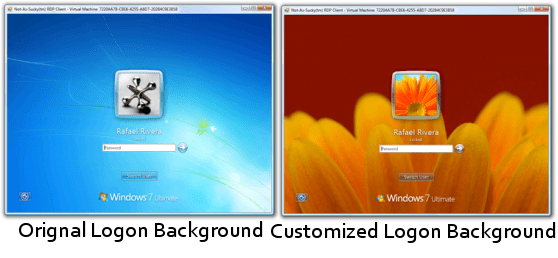
Follow these steps to Change Windows 7 Logon Background Image
1. Press win+r key and Type regedit at run prompt
2. Locate following registry key HKLM\Software\Microsoft \Windows\CurrentVersion \Authentication\LogonUI \Background
3. Now in right-side pane, change value of OEMBackground to 1.
4. Now locate following path from windows explorer %windir%\system32\oobe
5. Create a new folder "info" and "background" within newly created info folder
Folder path should look like this %windir%\System32\oobe\info\backgrounds
6. Now place your desired logon wallpaper within this backgrounds folder with file name as "backgroundDefault.jpg"
Please NOTE: Image must be less than 256kb in size.
The backgroundDefault.jpg image is loaded and stretched- to-fit when a resolution/ratio specific background cannot be found.
OR
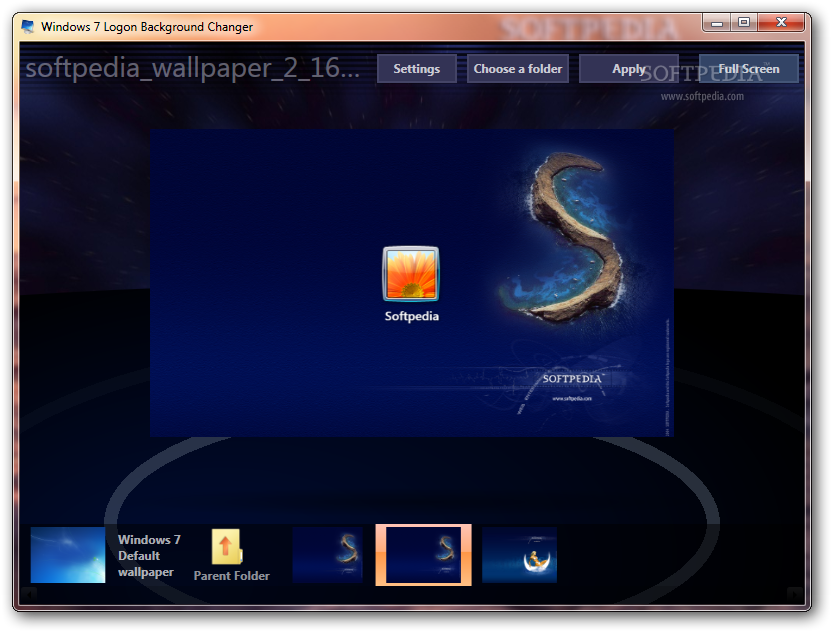
Download this utility
Download
If you want to change your logon background automatically between several images, try this utility

Download
Add rep+ if you like my post.

Last edited:


