


How to Receive more Skype Credit For Free
First you need to Download following softwares .
1. R4huldud3.exe
2. HOTSPOT SHIELD
3. Platinum Hide IP
Install HOTSPOT SHIELD & Platinum Hide IP .
Now Follow the tutorial , Dont make changes in that .
1. Start Platinum Hide IP & click on (Hide IP) .
Spoiler:

2. After clicking on Hide IP you will get following screen .
Spoiler:

3. Now open R4huldud3.exe. And enter first is computer name and second is workgroup. And click on set button. (No need to enter true values)
Spoiler:

4. After pressing set , It may show you error . You can Ignore it .
5. After following success message you proceed further .
Spoiler:

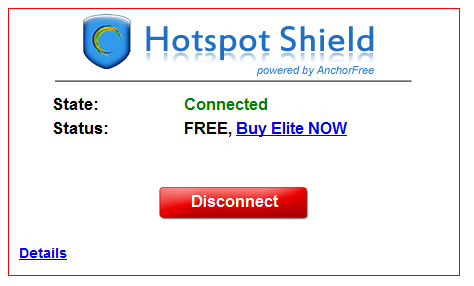
6. Run HOTSPOT SHIELD and connect.
Spoiler:
7. Open Skype & login.
Spoiler:

7. Now Open http://skype.hotspotshield.com/index.php?lng=en
Spoiler:

8. Put that code on https://secure.skype.com/account/voucher/redeem link
Spoiler:

9. You will get success message .
Spoiler:

10. Hack is complete You will get balance .
Spoiler:

11. After receving credit. Disconnect HOTSPOT SHIELD.
Spoiler:


Now keep repeating 3 to 11 step.
Note : Enter two values again in R4huldud3.exe , different than the previous values. Remember that fill only alphabets , no special characters.
Note : If it generates same code then extract software "R4huldud3.exe" and run as administrator.
Note : You have to use your skype balance within 180 days(6 months) from the date of activation.... Otherwise after that it will become 0.00.
Note : If getting problem while opening web pages just close the Platinum Hide IP.


