task list
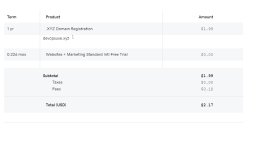
1. Buy a domain name from a domain Registrar
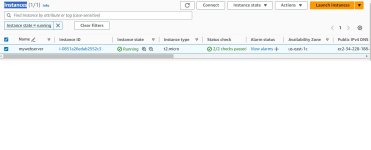
2. Spin up a Ubuntu server.
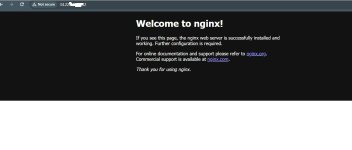
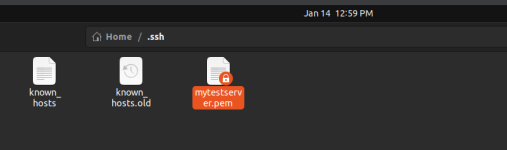
3. SSH into the server and install Nginx
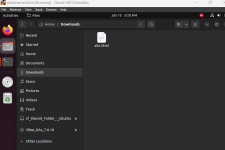
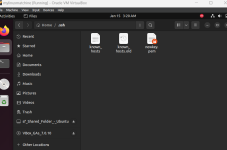
4. Download freely available HTML website files.
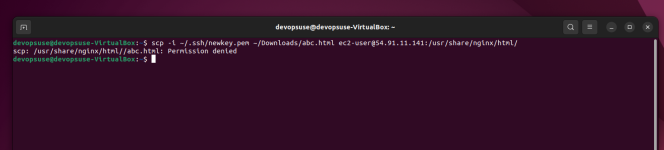
5. Using SCP, copy the website files to the Nginx website directory.
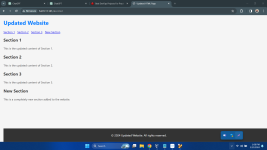
6. Validate the website using the server IP address.
7. In your DNS account, create an A record and add the Elastic IP.
8. Use the dig command to verify the DNS records.
9. Using DNS verify the website setup.
10. Create a Letsencryp certificate for the DNS and configure it on the Nginx server.
11. Validate the website SSL using the OpenSSL utility.
domain eka gatta, godaday lagen
------ Post added on Jan 14, 2024 at 4:22 AM
ec2 instance ekak haduwa
------ Post added on Jan 14, 2024 at 4:27 AM
1. Buy a domain name from a domain Registrar
2. Spin up a Ubuntu server.
3. SSH into the server and install Nginx
4. Download freely available HTML website files.
5. Using SCP, copy the website files to the Nginx website directory.
6. Validate the website using the server IP address.
7. In your DNS account, create an A record and add the Elastic IP.
8. Use the dig command to verify the DNS records.
9. Using DNS verify the website setup.
10. Create a Letsencryp certificate for the DNS and configure it on the Nginx server.
11. Validate the website SSL using the OpenSSL utility.
domain eka gatta, godaday lagen
------ Post added on Jan 14, 2024 at 4:22 AM
ec2 instance ekak haduwa
------ Post added on Jan 14, 2024 at 4:27 AM