Setup a Static Website Using Nginx

Djice

Well-known member
  • Jan 17, 2011
    4,408
    3,776
    113
    out of fucked up land
    Command kale... Mulinma html file eka ec2 instance eke home directry ekata copy kala. Next ec2 ekata log una. Next ec2 eke home directry ekata kalin copy karapu html eka nginx eke html folder ekata damma.

    Hetuwa nm danne na ai ehema kale kiyla đŸ˜ļ
    linux file permissions wada karana hati balapan
     
    • Love
    Reactions: devops

    devops

    Well-known member
  • Apr 3, 2023
    605
    463
    63
    colombo
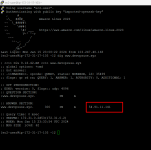
    8. Use the dig command to verify the DNS records. done

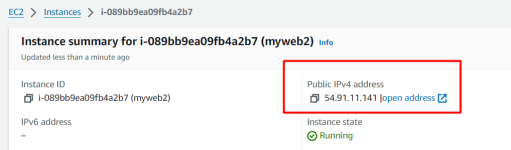
    1. Verify the IP Address:
      • Ensure that the IP address in the "ANSWER SECTION" matches the expected IP address of your server.
    This process helps you confirm that the DNS records have propagated, and your domain is resolving to the correct IP address.

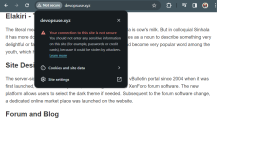
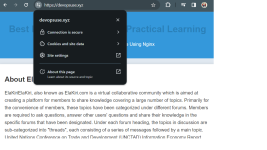
    10. Create a Letsencryp certificate for the DNS and configure it on the Nginx server.
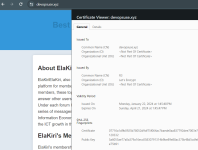
    11. Validate the website SSL using the OpenSSL utility.

    1 st project eka nm iwarai
    ------ Post added on Jan 22, 2024 at 3:02 PM
     

    Attachments

    • Screenshot_7.png
      Screenshot_7.png
      40.7 KB · Views: 69
    • Screenshot_8.png
      Screenshot_8.png
      30.2 KB · Views: 62
    • not.png
      not.png
      73.7 KB · Views: 63
    • null.png
      null.png
      82.7 KB · Views: 60
    • done.png
      done.png
      60.1 KB · Views: 61
    Last edited:
    • Like
    Reactions: Psiko