http://www.softperfect.com/download/freeware/networx_setup.exe
With NetWorx You Can ...
- Find out and monitor how fast your Internet connection is.
- Find out and monitor how much Internet traffic you consume.
- Verify whether your ISP charges your Internet usage fairly.
- Detect a suspicious network activity on your computer.
- Perform simple network tests such as ping and trace route.
- Be notified about excessive Internet usage.
Screenshots
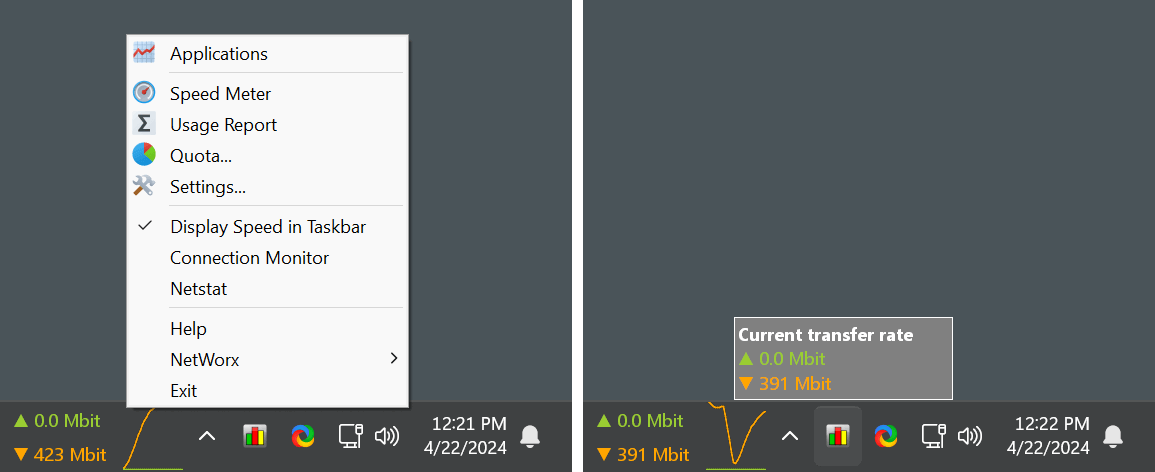
Right-click the NetWorx system tray icon (as shown on the picture) to bring up the program's menu. This menu lets you control the utility. Left-clicking the system tray icon displays the current NetWorx state. NetWorx can also display the real time traffic data.
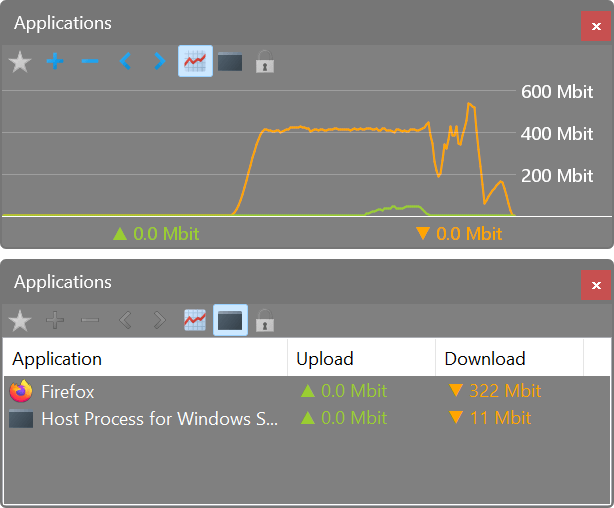
As well as accumulated daily, weekly and monthly totals, and lets you export that information to a number of formats. Click a picture to enlarge!
NetWorx is highly customisable and includes network tools such as ping, trace route and netstat.