MBR2GPT error

dushan90

Active member
  • Jan 22, 2008
    811
    50
    28
    Diagon Alley
    I'm getting "Cannot find OS partition(s) for disk 1" when I try to convert my drive from MBR to GPT so that I can boot from UEFI.

    These are the drives that I have:
    Disk%20Management%2009-May-19%2010_24_12%20AM_zpsdfovhxmn.png


    Tried validating both drives.

    Code:
    C:\WINDOWS\system32>mbr2gpt /validate /allowFullOS
    MBR2GPT: Attempting to validate disk 1
    MBR2GPT: Retrieving layout of disk
    MBR2GPT: Validating layout, disk sector size is: 512 bytes
    Cannot find OS partition(s) for disk 1

    Code:
    C:\WINDOWS\system32>mbr2gpt /validate /disk:0 /allowFullOS
    MBR2GPT: Attempting to validate disk 0
    MBR2GPT: Retrieving layout of disk
    MBR2GPT: Validating layout, disk sector size is: 512 bytes
    Disk layout validation failed for disk 0

    Code:
    DISKPART> select disk 0
    
    Disk 0 is now the selected disk.
    
    DISKPART> list partition
    
      Partition ###  Type              Size     Offset
      -------------  ----------------  -------  -------
      Partition 1    Primary            231 GB  1024 KB
      Partition 2    Recovery           484 MB   231 GB
      Partition 3    Recovery           470 MB   232 GB

    Is it normal to have two Recovery partitions?

    Code:
    C:\WINDOWS\system32>reagentc /info
    Windows Recovery Environment (Windows RE) and system reset configuration
    Information:
    
        Windows RE status:         Enabled
        Windows RE location:       \\?\GLOBALROOT\device\harddisk0\partition2\Recovery\WindowsRE
        Boot Configuration Data (BCD) identifier: ee098670-fc5e-11e8-b56a-c4de7a4f4d66
        Recovery image location:
        Recovery image index:      0
        Custom image location:
        Custom image index:        0
    
    REAGENTC.EXE: Operation Successful.


    What seems to be the problem here?

    Thanks in advance.
     
    Last edited:

    RiFTeR

    Well-known member
  • Dec 9, 2015
    2,552
    429
    83
    Aashikland !!!
    You can only convert system disks using that tool. Since you don't have windows OS on Disk 1 you cannot just convert it to GPT. However you will be able to convert Disk 0(disk in which you have your OS on) using that tool.
    I don't see why you wan't to convert Disk 1 to GPT. You only need to convert the system disk(Disk 0 in your case) to GPT to switch to UEFI.

    But my recommendation is to backup your data and perform a clean install because if by any chance any of these processes were to fail you might lose your data on your system disk.
    Backup your system disk, make a windows UEFI USB installer, convert your disk to GPT during setup and done.
     

    tipitip

    Active member
  • Feb 17, 2018
    323
    111
    43
    your mind
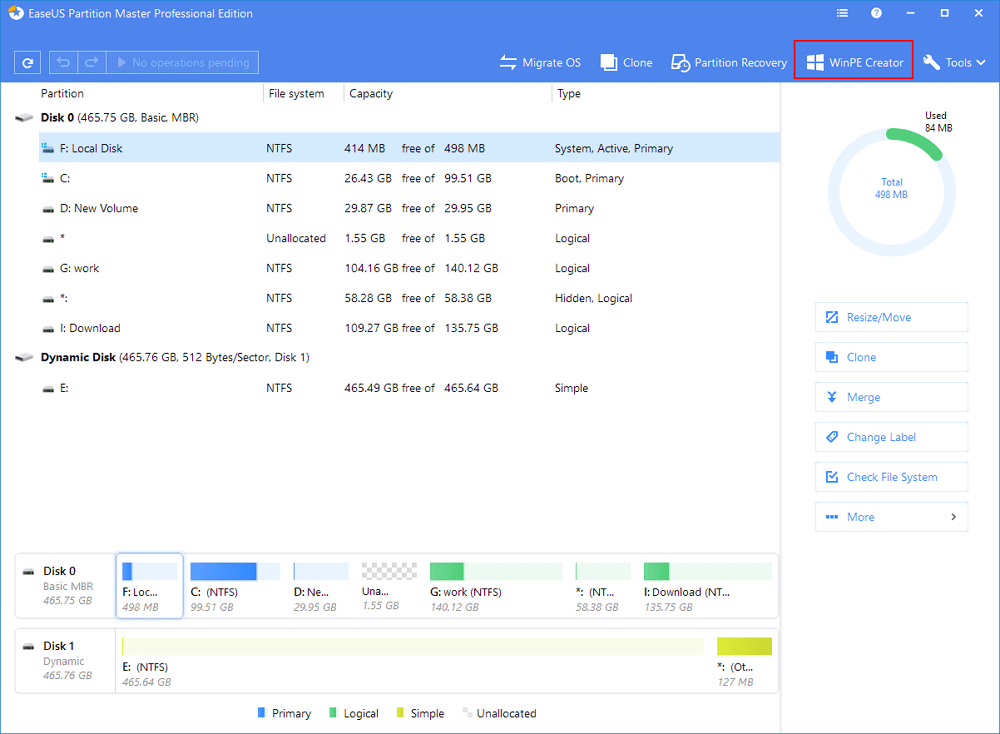
    You can easily convert mbr disk to gpt by using easeus partion master.

    Machan windows thiyana ekath crash wela nam,eka karana amaruine,mokada easeus eka install karanna onene.matath same problem awith thiyanawa godak computers walata windows danna yaddi...

    ube adahasa?
     

    ArunaTelshan

    Well-known member
  • Nov 29, 2013
    3,255
    1,216
    113
    Biyagama
    Last edited:

    imhotep

    Well-known member
  • Mar 29, 2017
    14,823
    8
    35,328
    113
    Machan windows thiyana ekath crash wela nam,eka karana amaruine,mokada easeus eka install karanna onene.matath same problem awith thiyanawa godak computers walata windows danna yaddi...

    ube adahasa?

    If you can't make a WinPE recovery disk, remove the HDD and install it on a working computer.
     

    acsm

    Well-known member
  • Mar 8, 2009
    2,191
    158
    63
    RATHMALANA
    mama danna widihatanam machanla...


    BIOS eken boot option walata UEFI dala os eka denmoth eka install wenne GPT HDD ekak widihata...boot option eka Legacy dala os eka denmoth eka install wenne MBR HDD ekak widihata


    MBR > GPT karath GPT > MBR karath boot record eka crash wenawa..ehema convert karama boot wenne nehe normally..covert karata passe boopt record eka create karanna wenawa
    MBR nam MBR (Master Boot Record) eka re build karanna wenawa
    GPT nam EFI eka re build karanna wenawa


    mama nam partition eka convert karanna use karanne Mini Tool Partition Wizard tool eka...eken MBR , GPT type eka convert karata boot record eka rebuild karanna behe


    boot record eka hadanne wenama Lazy Soft tool eken


    oya widihata me wenakota OS 10k withara convert karala , clone karala tiyenawa kisi awulak netiwa data tiyeddima....(tool eka hariyatama purudu wenakan data backup ekak tiyagann)...


    *** data tiyeddima GPT eka MBR karala tiyenawa awulak netiwa , Hebey MBR eka GPT karanepa data lost wenawa ***


    https://www.lazesoft.com/lazesoft-recovery-suite-free.html
    https://www.partitionwizard.com/free-partition-manager.html


    me tools trial ganna epa wede sure nehe.. Professional , Ultimate , Enterprise wage crack version ganna
     

    dushan90

    Active member
  • Jan 22, 2008
    811
    50
    28
    Diagon Alley
    Machan Win10 creators update eken passe built-in MBR to GPT option ekak ava ne. Eken data lost wenne nathuwa convert karaganna puluwan. Man me ekai try karanne.
    Wade kiyanne me magul error eka enawa man try karanna yaddi. Aye windows install karanne nathuwama wade karagannai man me try karanne.
     

    ArunaTelshan

    Well-known member
  • Nov 29, 2013
    3,255
    1,216
    113
    Biyagama
    Machan Win10 creators update eken passe built-in MBR to GPT option ekak ava ne. Eken data lost wenne nathuwa convert karaganna puluwan. Man me ekai try karanne.
    Wade kiyanne me magul error eka enawa man try karanna yaddi. Aye windows install karanne nathuwama wade karagannai man me try karanne.

    GPTgen use kalada? :confused:
     
    Last edited: