Nokia Code reset

navod456

Member
Apr 23, 2007
1,449
76
0
1. Turn your device off.
2. Remove SIM card and MMC card (actually, you do not need to remove these, but after format remember to format memory card and reboot phone).
3. Press and hold 3 keys; Green dial key, * pound key, no. 3 key on keypad Together.
4. Turn your device on while you are pressing the three buttons.
5. You should now see "Formatting .." on the Screen! Leave the buttons now.
 

navod456

Member
Apr 23, 2007
1,449
76
0
1. You can remove the mmc but keep the sim card and restart your phone.
2. Then press the keys *#7370#.
3. The phone would ask a confirmation.
4. Select yes.
5. Then it will ask for a code.
6. The code is 12345 or 00000.
 

gudaya

Well-known member
  • Jan 9, 2009
    14,357
    1,478
    113
    ළිඳේ ♥♥♥♥
    1. Turn your device off.
    2. Remove SIM card and MMC card (actually, you do not need to remove these, but after format remember to format memory card and reboot phone).
    3. Press and hold 3 keys; Green dial key, * pound key, no. 3 key on keypad Together.
    4. Turn your device on while you are pressing the three buttons.
    5. You should now see "Formatting .." on the Screen! Leave the buttons now.

    meka karanna puluwan symbian phone wala witharay machan :no:
     

    amila_mp

    Well-known member
  • Oct 25, 2007
    6,061
    1,686
    113
    ~ Note3One ~
    Try This One

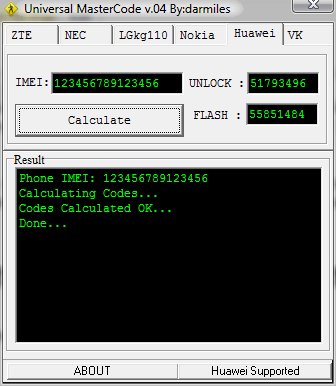
    universal-mastercode.jpg


    Code:
    http://www.mediafire.com/?dtm5kwjmomx