Laptop BIOS password help

GhostWolf95

Member
Jul 21, 2018
15
4
3
Lap එකට දාලා තිබ්බ BIOS password එක අයින් කරන්න ගිහින් කෙල උනා. BIOS settings වල primary password value එක empty කරලා save කරා. ඒත් lap එක on කරාම password එකක් අහනවා. තිබ්බ password එක ගැහුවට ඒක වැරදී කියනවා. BIOS password අහන screen එකෙන් ඉස්සරහට යන්න බෑ.
මේක හදාගන්න විදියක් තියනවද?
Lap එක Asus vivobook x512. ගලෝලා බැලුවම CMOS battery එකක් හම්බ උනේ නැ. ගොඩ දාගන්න විදියක් නැති වෙයිද
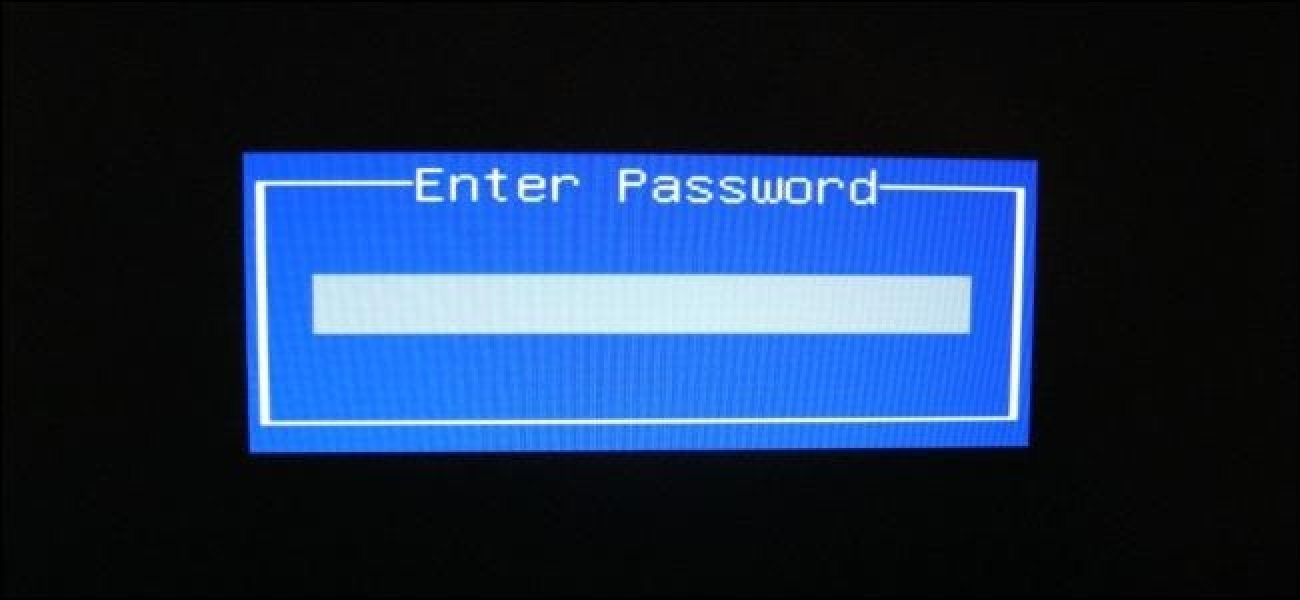
enter-bios-password-at-boot.jpg
 

San.info

Junior member
  • Nov 19, 2020
    40
    33
    18
    මම ඕකම වෙලා ඒ දවස්වල මගෙන් 8000 ක් ගත්ත කඩේ උන් බයෝස් ගහන්න කියල..මම හිතන්නෙ ඕකට යූටියුබ් විසදුම් ඇති..බැට්‍රියෙ ධන රින මිනිත්තුවක් විතර එකට අල්ලන් ඉන්න සීමෝස් බැට්‍රිය ගලවල
     

    GhostWolf95

    Member
    Jul 21, 2018
    15
    4
    3
    මම ඕකම වෙලා ඒ දවස්වල මගෙන් 8000 ක් ගත්ත කඩේ උන් බයෝස් ගහන්න කියල..මම හිතන්නෙ ඕකට යූටියුබ් විසදුම් ඇති..බැට්‍රියෙ ධන රින මිනිත්තුවක් විතර එකට අල්ලන් ඉන්න සීමෝස් බැට්‍රිය ගලවල
    ගලවලා බැලුවම CMOS battery එකක් නැ මේකේ. අලුත් lap වල CMOS battery එන්නෙ නැද්ද කොහෙද. 8000 ගියත් කමක් නැ BIOS ගහන්න පුලුවන් නම්. ඔයාගේ lap එක asus vivobook x512 එකක්ද?
     

    San.info

    Junior member
  • Nov 19, 2020
    40
    33
    18
    ගලවලා බැලුවම CMOS battery එකක් නැ මේකේ. අලුත් lap වල CMOS battery එන්නෙ නැද්ද කොහෙද. 8000 ගියත් කමක් නැ BIOS ගහන්න පුලුවන් නම්. ඔයාගේ lap එක asus vivobook x512 එකක්ද?
    lap repair කරන තැනකට දීල බලන්න..මගේ hp එකක්
     
    • Like
    Reactions: GhostWolf95

    sadeeep

    Well-known member
  • Aug 24, 2007
    6,167
    1,013
    113
    www.youtube.com
    වැරදියට කීප සැරයක් ගහලා බලන්න මොකක් හරි කෝඩ් එකක් එනවද කියලා. එහෙම එනවා නම් මේ සයිට් එකට ගිහින්, අර කෝඩ් එක ගහන්න. ඊට පස්සේ අන්ලොක් කෝඩ් එක එයි. ලැප් එක රීස්ටාර්ට් කරලා ඒ කෝඩ් එක ගහන්න.
     
    • Like
    Reactions: GhostWolf95

    GhostWolf95

    Member
    Jul 21, 2018
    15
    4
    3
    වැරදියට කීප සැරයක් ගහලා බලන්න මොකක් හරි කෝඩ් එකක් එනවද කියලා. එහෙම එනවා නම් මේ සයිට් එකට ගිහින්, අර කෝඩ් එක ගහන්න. ඊට පස්සේ අන්ලොක් කෝඩ් එක එයි. ලැප් එක රීස්ටාර්ට් කරලා ඒ කෝඩ් එක ගහන්න.
    තුන් පාරක් වැරදියට ගැහුවට පස්සෙ ආයෙ මොකුත් ගහන්න බෑ. Invalid password කියල වැටිලා තියනවා
    Motherboard eke pin dekak thiye short karanna YouTube thiyanwa
    කරලා බලන්නම් (y)(y)
    Backdoor password ekak hoyaganna net eken pulueannwei hoyaganna
    කරලා බලන්නම් (y)(y)
     

    GhostWolf95

    Member
    Jul 21, 2018
    15
    4
    3
    • Like
    Reactions: kinkon

    imhotep

    Well-known member
  • Mar 29, 2017
    14,823
    8
    35,329
    113
    Try these ones out... I haven;t tried and let us know...


    1. Start Asus computer, log into Windows, change the date to 2001/01/02.
    2. Restart computer, press F2 (or Esc) key repeatedly, when the password text box pops up, press "Alt + R" at the same time.
    3. When the "Enter rescue password" window appears, type in the following password: ALAA4ABA, then you will get into BIOS. Set back the date settings.

    If you cannot change the date... the next method.
    1. Boot while while pressing/holding F2 to get into the BIOS / UEFI
    2. When the enter password window appears then press Alt + r or Alt Gr +r
    3. "Enter rescue password" window will appear, with YYYY-MM-DD
    4. Now take a note of that date and go to www.biosbug.com and enter it to search field and there you go. Only thing to remember is to enter it to your laptop as it reads.
    http://biosbug.com/asus.php